Explore visual illusions with guided instructions and detailed explanations of their neurological basis. Learn about how the brain processes visual information through interactive examples and educational content.
by Thom Oostendorp★ 5.01 ratingsMedicalFreeData updated 2026-09-08
Practice visual diagnosis with quizzes. View two images per question, one correct and one incorrect. Magnify images by tapping the top right corner. Select the correct image to receive feedback. Track progress and improve diagnostic accuracy.
Learn basics through structured lessons and interactive activities. Track progress with quizzes and exercises. Access detailed explanations of key concepts. Practice skills with hands-on simulations.
Learn multiplication up to 10, 12, and 20 through interactive flash cards and exercises. Practice long multiplication and division with step-by-step guidance. Use visual flash cards to reinforce concepts and track progress over time.
Access tutorials, practice problems, and articles on Data Structures and Algorithms, Web Development, and technical interview preparation. Track progress with practice exercises and detailed explanations.
View and navigate detailed MRI and CT sectional anatomy images. Explore anatomical structures like brain, spine, heart, and limbs. Zoom, rotate, and slice through 3D models.
Manage chronic through cognitive behavioral techniques, mindfulness exercises, and guided breathing sessions. Track levels and progress over time. Access educational content on science and recovery strategies.
Explore medical concepts through interactive visual maps. Navigate connections between diagnoses, symptoms, lab results, and physical exam findings. Learn how health and disease interrelate with detailed, interconnected information.
Pronunciation and spelling through interactive games audio and visual support. Use the Smart-Teacher feature to organize learning. Add new to personal vocabulary by playing.
Track meditation sessions with timers and progress logs. Set reminders and customize session lengths. Access guided sessions for stress relief and mindfulness. Sync with wearable devices to monitor breathing and heart rate.
Access educational resources and tools designed to support learning. Students can explore interactive lessons, complete assignments, and track progress. Teachers can manage classes, assign work, and monitor student performance.
Teaches shapes through high-contrast visuals. Displays simple shapes in black and white. Plays soothing sounds and music. Allows parents to adjust volume and playback speed. Tracks attention and engagement.
Pronunciation and spelling through interactive games audio and visual support. Use "Smart-Teacher" to organize learning sessions. Add new to personal vocabulary during gameplay. Practice reading, speaking, and listening to improve language skills.
Connect with others through structured social learning
Learn about social situations through textual information and video role-plays. Practice skills with assignments. View examples of helpful and unhelpful behaviors. Track progress over time. Connect with others through guided activities.
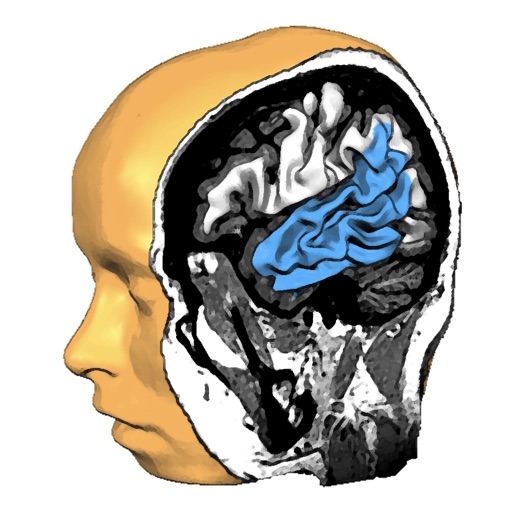
Explore anatomy with interactive 3D models. Rotate and slice through high-resolution structures. View fiber tracts from MRI data. Learn about function and structure with detailed visualizations.
Learn renewable energy with explanations and voice
Learn about renewable energy through real and simulated experiences. Explore internal and external components. Simulate power generation based on speed and airflow. Access explanation text and voice instructions in English.