Play notes by tapping the keyboard or using on-screen keys. Choose from preloaded songs by Mark Farner. Sing along or play along with the music. Adjust tempo and volume. Save custom playlists and share performances.
by Barrett Productions, LLC★ 3.622 ratingsGamesFreeData updated 2026-09-08
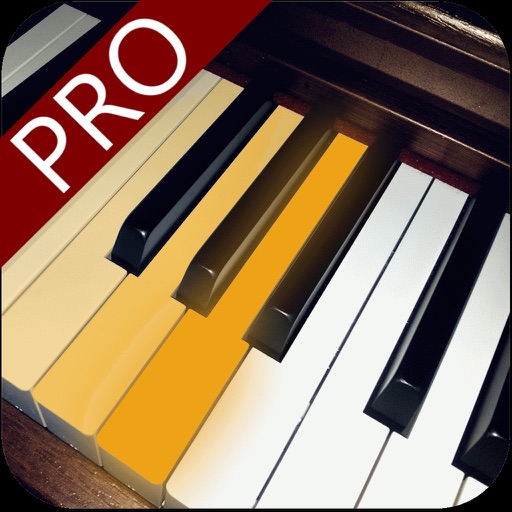
The app provides a piano interface with colored keys, each labeled with its name. Users can interact with the keys using their fingers to produce piano sounds.
The app offers interactive piano exercises for learning scales, chords, and improvisation. Users can follow finger positioning, chord suggestions, and utilize features like backing tracks and a metronome for practice.
Play rhythm-based games with 600+ original tracks. Tap, slide, and hold notes to match beats. Unlock new songs monthly. Compete in online rankings. Customize characters and stages. Sync progress across devices.
The app provides an interactive way to learn and play a piano with a Roland digital piano. It contains three applications: Flash Card, Content Browser, and DigiScore Lite for learning and accessing piano content.
Create and edit musical scores and tablature with tools for notation and tab editing. Import or start new scores. Share files with collaborators. View and analyze existing sheet music and tablature. Adjust notes, rhythms, and formatting.
Play -based games by tapping, holding, sliding, or combining gestures. Follow music beats and melodies. Choose from multiple genres and gameplay styles. Track progress and replay songs. Share high scores with friends.
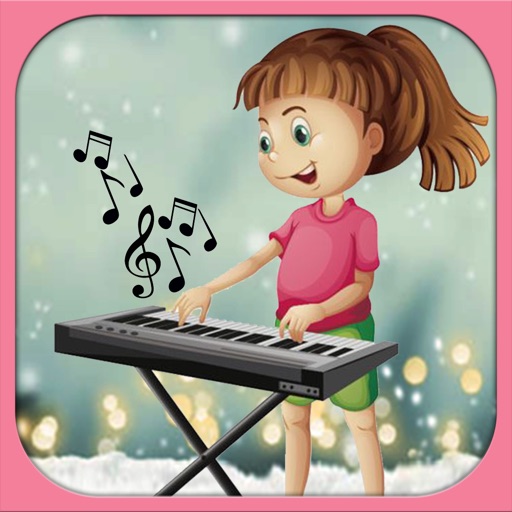
The app provides a piano interface for children with eight different sound modes. Users can select from piano, frog, dog, cow, bird, cat, duck, or pig sound options.