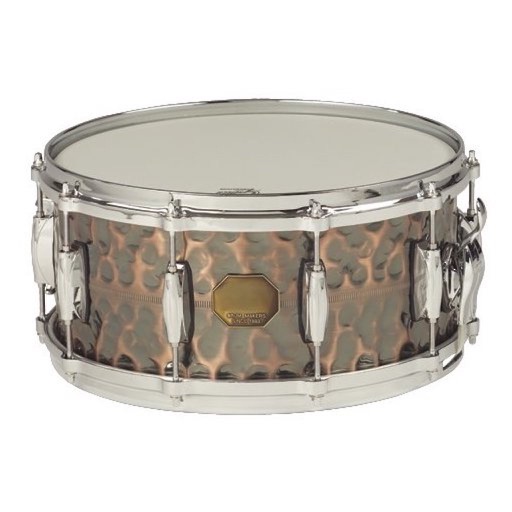
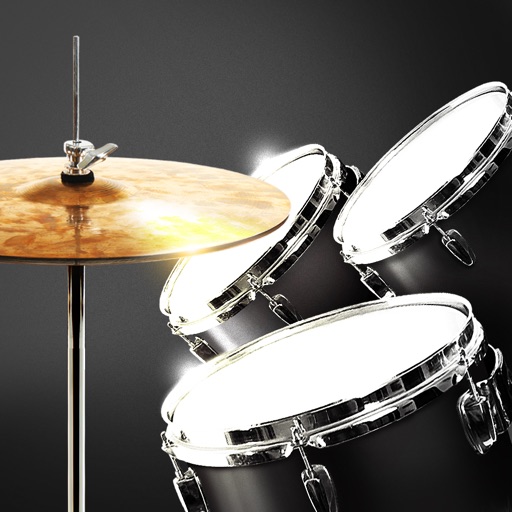
Tap the iPhone screen to play drums with a simple drum kit. Choose from 30 instrument sounds including snares, cymbals, tomtoms, and hand-claps. Adjust volume for each instrument. Customize instrument layout in 2x2 or 3x3 grid.
by Kentaro Matsumae★ 5.01 ratingsMusicFreeData updated 2026-09-08
Create and edit musical scores with tablature and notation tools. Add chord diagrams and guitar effects. Play back compositions and share files. Supports stringed instruments like guitar and bass.
The app provides a fun way for children to learn about musical instruments and create their own music. It features colorful instruments with authentic sounds and simple navigation suitable for young users.
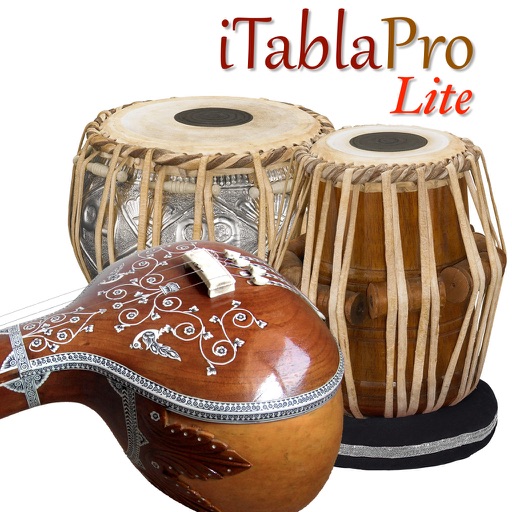
Play tabla with realistic instrument sounds and adjust tuning settings. Access tanpura accompaniment and practice rhythms. Save and share performance recordings. Adjust volume and playback speed.
Stream from SoundCloud Go+ and local files via cloud services. Import tracks in multiple formats. Organize library by title, artist, album, bpm, key, rating, or duration. Create custom playlists.
Edit audio files with waveform visualization. Change playback and pitch independently. Record and save modified audio. Separate stems to isolate vocals, guitars, or drums. Create backing tracks or practice isolated instruments.
Explore animal, safari, transportation, and musical instrument sounds. Tap buttons to hear associated sounds. Learn animal names and associated noises. Navigate through 12 subcategories per category.
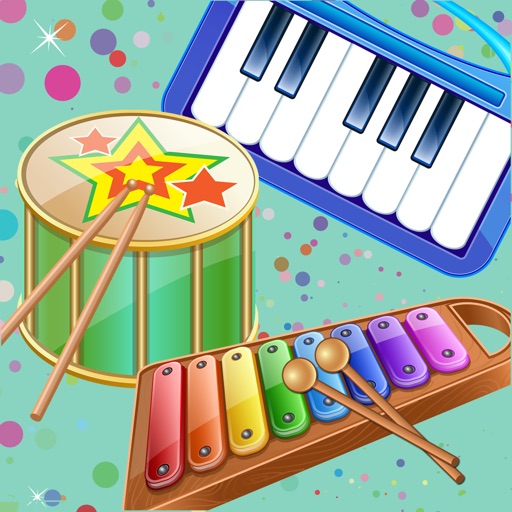
Let children play virtual piano, xylophone, drums, and shake toys with clean graphics and realistic sounds. Tap to create sound effects mimicking ' toys. Simple interface for parents to calm children and entertain them with interactive music.
Separate vocals and instrumental stems using AI audio analysis. Export high-quality isolated tracks and mixed versions. Split audio files into individual stems for editing or remixing.
Record audio using phone microphone for instant sampling. Create beats by arranging samples, applying effects, and building tracks. Resample output into new inputs for extended sound manipulation. Track progress in real-time with intuitive interface.
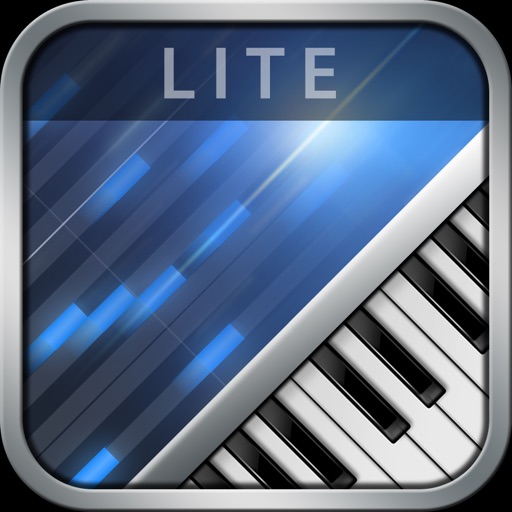
The app provides a music production environment with a piano keyboard and studio-quality instruments. It includes a multi-track sequencer for editing notes and applying effects.
Create using professional-quality audio samples and machines. Access a variety of instruments and effects for sound design. Explore genres like hip-hop, trap, and dubstep.
Create music with sample blocks, drum kits, and construction tools. Arrange beats and melodies. Export tracks and share directly. Adjust effects and tempo.
Learn about musical through interactive lessons and historical context. Play virtual with touch controls. Access instrument diagrams and sound samples. Switch between and English language interfaces.
Create music by touching the screen to play notes and adjust sounds. Use multi-touch surfaces like radar, ribbon, or keyboard. Move fingers to modify tones. The semi-generative engine selects suitable notes automatically.
Create and edit patterns with polyrhythmic tracks. Add bass and lead synths. Use audio unit support and new FX modules. Import and export projects. Playback and record loops. Retain compatibility with DM1 song files.
The app provides a piano learning and music creation studio. Users can play various instruments like piano, guitar, and drums using the phone's touchscreen with real sound quality.
Learn basics through interactive and practice exercises. Track progress with skill assessments and rhythm challenges. Play to improve timing and coordination. Access theory guides and practice patterns for different styles.