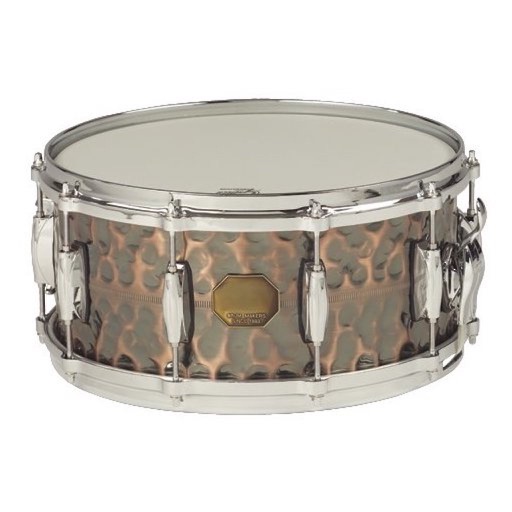
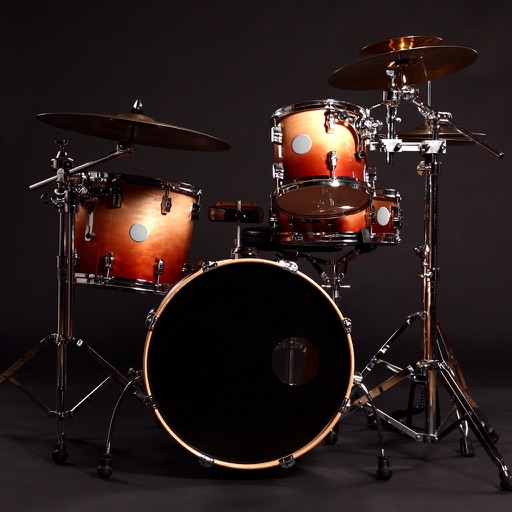
Tap the iPhone screen to play drums with a simple drum kit. Choose from 30 instrument sounds including snares, cymbals, tomtoms, and hand-claps. Adjust volume for each instrument. Customize instrument layout in 2x2 or 3x3 grid.
by Kentaro Matsumae★ 5.01 ratingsMusicFreeData updated 2026-09-08
Record and podcasts using software instruments, loops, and voice recording. Collaborate in real-time with others via chat. Save projects in the cloud and access them across devices. Edit audio tracks, add effects, and export files directly.
Access a collection of over 200 humorous and MLG sounds. Play, record, and share sounds directly. Includes and Digi Sounds. Features a variety of and popular audio clips for daily use.
Create and customize music with 3 synthesizers and 1 drum machine. Loop, modify, and erase instrument sounds. nimated visuals that respond to music. Adjust animation styles and interact with visuals in real time.
Play drum kits with a customizable drumpad layout. Choose from multiple drum sounds for different genres. Control song playback and adjust speed in real time. Mix sounds and adjust volume with a simple interface.
Browse product listings with high-quality audio samples and video content. View customer reviews and instant notifications. Access synced shopping cart and wishlists across devices. Manage a personalized customer account.
Play with a full 88-key keyboard. Adjust key size for easier touch. Choose from a sampled or 128 MIDI instruments. Zoom in and out for better control. Includes a single banner ad. Optimized for iPad use.
Create and edit music with synths, drum machines, and world-class instruments. Record beats and melodies. Import and export audio files. Expand sound library with additional instruments and samples. Sync with other devices for seamless workflow.
Connect your Techno or neo to play music. Choose from various instrument sounds and built-in rhythms. Adjust settings to customize sound. Access controls through a simple, intuitive interface. Jam along with pre-set beats or create custom tracks.
Play drums using taps for realistic sound and responsive touch. Choose from 4 drum kits including classic, electronic, rock, and vintage. Create original beats or follow along with favorite songs. Sync with audio for rhythm practice.
Create and edit music with virtual instruments, effects, and audio tools. Record and arrange tracks, apply plugins like Beat Breaker and Sample Alchemy, and mix audio. Export projects in multiple formats and share directly.
The app provides a full acoustic drum set with 13 realistic sounds. It includes a recording mode and multitouch functionality, suitable for both beginners and professionals.
Scan to listen to the notes in real time. Upload or capture printed and hear it played back in various instrument formats. Choose different playback options and adjust tempo or pitch as needed. Sync with devices to access offline.
Play musical puzzles to develop early skills. Tap notes to create melodies, match rhythms, and explore instruments. Choose from multiple difficulty levels and track progress through interactive lessons. Share creations with family via social media.
Remove vocals from audio files to create backing tracks or karaoke. Extract individual instrument tracks from music. Edit audio with built-in tools. Save and share modified files directly.
Learn music by ear with stem splitting, sheet music generation, and playback controls. Adjust individual stems for bass, vocals, drums, and other instruments. Generate sheet music for audio or video.
Allows users to adjust instrument pitch with a built-in microphone. It detects frequency and displays visual feedback. Users can save preferred tuning settings and compare notes with reference tones.
Create music by using nine animals as instruments. Set up drum loops, swipe to change instruments, compose melodies, adjust loop speeds, and add effects. Animations respond to user actions and enhance the musical experience.