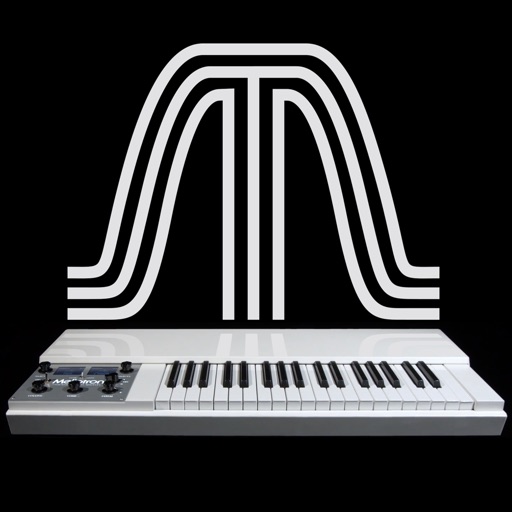
Record sounds via microphone and play them on dual piano keyboards with a rhythm machine. Create complex musical arrangements using voice, instrument, and environmental samples. Export and share audio files. Supports Audiobus and MIDI connectivity.
by Paul Slocum★ 3.347 ratingsMusic$0.99Data updated 2026-09-08
A effect for digital workstations. Users apply delay, pitch shifting, and reverb to create harmonies. Adjust filtering and monitor signal levels with stereo meters. Presets and graphical interface available.
Play kits with finger-based controls. Access studio-quality HiFi sounds. Customize kits with organic and electronic samples. Adjust volume and effects. Record and replay performances. Sync with Apple Health for workout tracking.
Add multieffects to audio tracks with Bitcrusher, Ring Modulation, Fuzz Octaver, and other . Adjust parameters and bypass with a double tap. Send to different output buses. Automate parameters via MIDI CC. Use multitouch for effect control.
Create and customize MIDI sequences with scale selection, complexity settings, and step controls. Generate random patterns and melodies. Adjust pitch, transpose, and set playback motion. Export patterns or use Infinity mode for continuous generation.
A music that emulates a vibraphone using physical modeling. Users can play in keyboard or mallet mode with adjustable mallet hardness. It supports full polyphony across 49 notes and functions as a standalone instrument.
Manipulate audio by creating micro loops and scrubbing sound. Set loop points and adjust lengths. Reverse live audio. Rearrange audio in real time. Compatible with host apps like AUM and GarageBand.
Adjust audio signals with sixteen modes and resonance controls. Modify frequency response visually. Apply saturation for analog-style clipping. Blend wet and dry signals. Use a 4 pole lowpass mode for classic Moog ladder sound.
Create and manipulate sound with three independent synthesizers. Adjust pitch from 8–20,000 Hz. Slide or snap notes to scales with customizable glide rates. Set and edit individual notes for precise musical control.
Create and arrange melodies, bass lines, and drum beats by moving dots on the screen. Switch chords and patterns instantly. Apply delay and reverb effects to instruments. Tap or drag to build sequences. Sync with AirPlay for playback.
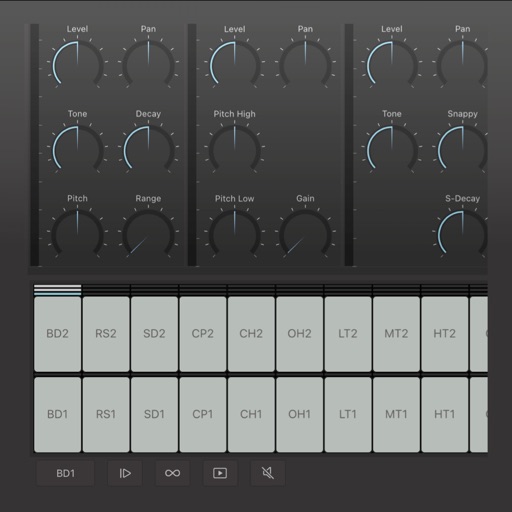
Create and edit drum patterns using 27 drum voices. Apply effects like delay, chorus, and reverb. Automate parameters and sequence 16-bar patterns. Save and load project files for later editing.
Create and perform music with multitrack sequencing, monophonic and polyphonic synthesizers, and drum machines. Adjust customizable parameters for sound shaping. Record and export compositions directly.