Pages allow users to learn English through interactive images. Users can select from 26 different illustrations to color. Completed drawings are saved automatically.
by 明慈 江★ 4.114 ratingsEducationFreeData updated 2026-09-08
Coloring offers endless pages with unique designs generated for each user. Pages include city, houses, trees, and vehicles. Features include three line sizes, relaxing music, and no ads. Works offline without internet.
Color eggs and bunny illustrations with interactive . Choose from various -themed pages. Save and share completed artwork. Offers a fun, engaging way to celebrate with kids.
And drawing with printable pictures and blank pages for custom artwork. Features include zoom functionality, video replay, and realistic tools. Users can create and share their own drawings.
The app offers a coloring activity with 20 hand-drawn pictures numbered 1 to 20. It helps children learn numbers, associate words with them, and develop hand-eye coordination.
Learn letters, numbers, and shapes through interactive
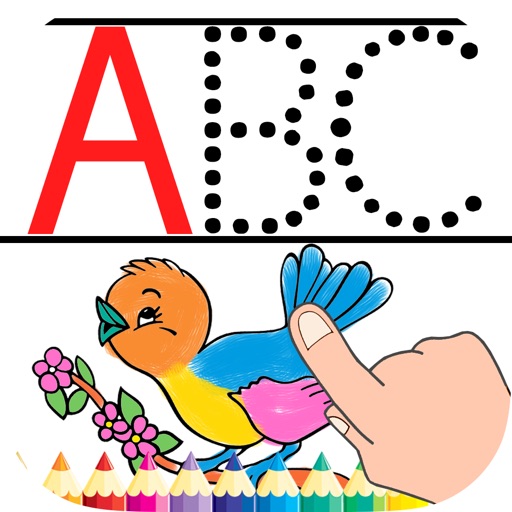
Learn the alphabet and through interactive activities. Practice letter and number shapes with guided exercises. Explore shapes, colors, and numbers through playful games. Receive instant feedback during sessions.
Create drawings using realistic crayon and marker pen tools. Listen to drawing sounds. Navigate with an intuitive interface. Access eight free coloring pages for practice. Explore related drawing apps for different mediums.
Convert photos into printable pages using AI. Upload images to generate detailed sketch outlines. Customize pages with color options. Print or share finished artwork directly.
Color images for relaxation and creativity. Draw on blank pages with realistic painting tools. Zoom in easily for detailed work. Watch video replays of drawings. Access a variety of themed pictures for .
Color pages with customizable tools and save progress. Play math-based mini-games for practice. Switch between and number challenges. Share completed artwork via social media.
Create drawings using realistic pencils and marker pens. Listen to drawing sounds. Navigate an intuitive interface. Access eight free sketches for coloring. Explore related apps in the drawing series.
Puzzle game allows users to select from various categories and levels. Import images from camera roll or color selfies. Choose color sets and difficulty levels. Share completed artwork on social media platforms.
The app offers three game modes: connect dots by alphabet, connect dots by numbers, and a coloring mode. Users can connect dots by alphabet or numbers to reveal a picture, which can then be colored.