Edit photos using non-destructive layers and filters. Drag images into the workspace or layers list to add them as new layers. Apply live adjustments with real-time previews. Support multi-touch gestures for intuitive navigation.
by Romain Piveteau★ 0.00 ratingsPhoto & Video$3.99Data updated 2026-09-08
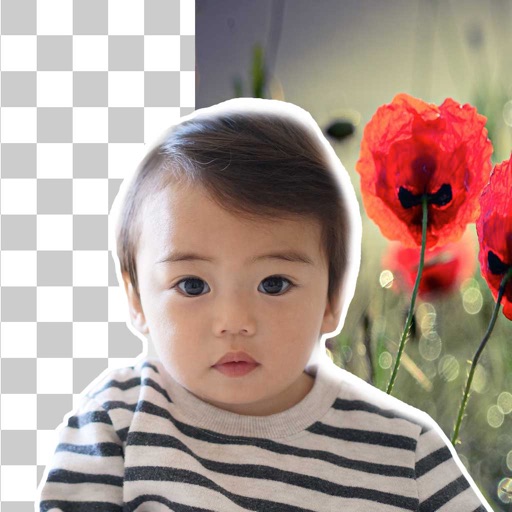
Remove backgrounds from photos using brush tools with adjustable size and hardness. Erase selected areas with undo and redo options. Add text with customizable font and formatting. Place edited photos on various templates.
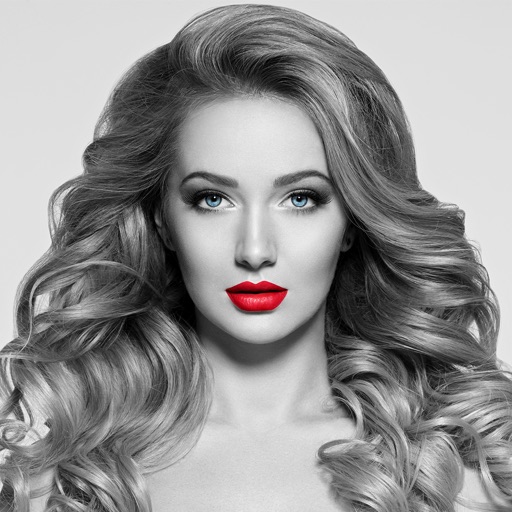
The app converts selected photos to grayscale, sepia, or custom colors. Users can then add color by painting over desired areas with their finger, utilizing paint and eraser modes.