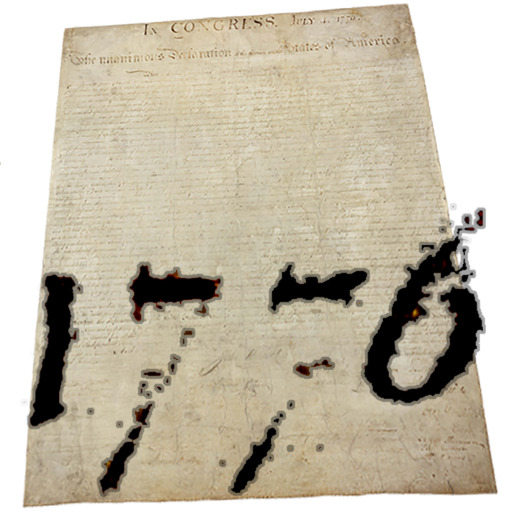
Provides access to the full text of the US of Independence. Includes historical notes, images of original documents, and biographies with images of the signers. Allows annotation and bookmarking of key sections.
by Clint Bagwell Consulting★ 0.00 ratingsReferenceFreeData updated 2026-09-08
Quick access to detailed maps for navigation and reference. View country flags, capitals, and population data. Explore facts about countries, languages, and currencies. Search for locations and view geographical information.
Explore with interactive 3D models of male and female bodies. View cadaver and diagnostic images alongside 3D structures. Access key organ views and animations. Purchase additional physiology and dental content.
Documents to create high-quality PDFs with automatic border detection and perspective correction. Enhance images by removing shadows and sharpening text. Extract text using OCR and export as editable files.
Learn American Sign Language with a dictionary of signs from diverse signers and dialects. Explore categories covering various topics. Watch signs in slow motion for detailed learning. Practice with interactive finger spelling exercises.
Text, speech, and images in real-time using AI. Support for 100+ languages. Convert spoken words to text, documents, and capture text from photos. Share translated content directly.
Read and navigate biblical texts adjustable font sizes and themes. Search for verses and keywords. Highlight and annotate passages. Access cross-references and footnotes. Share verses via email or social media. Sync reading progress across devices.
Point the at text in photos, signs, or documents to instantly translate it into your chosen language. Use AI-powered OCR to recognize and translate text from over 100 languages. Export translated text or share it directly.
The app provides a guide to American government, history, and elections. It includes live election night results and allows users to search for information on founding documents, government officials, and Supreme Court cases.
Convert images to text using OCR technology. Support over 50 languages for recognition and translation of more than 100 languages. Scan handwritten notes and board content. Record audio notes and transfer text via keyboard.
Learn American Sign Language with vocabulary organized by category and context-based sentences. Practice fingerspelling and interact with diverse signers. Play games to build confidence or challenge advanced levels.
Reference allows users to set reminders for specific times of day. Play audio notifications with background support. Share content on social media with visual images. Includes Arabic and English font options.
Create interactive lessons and notes with drag-and-drop features, text annotations, and shape tools. Import images and videos. Collaborate in real-time with multiple users. Save and share content via cloud storage. Export notes as PDF or image files.
Manage and organize digital notes with text, images, and voice recordings. Create and edit documents, set reminders, and sync across devices. Print notes directly from the to compatible printers.
Access verses with detailed from six-volume work. Search for specific verses, read explanations of scripture, and explore historical and theological insights. Save favorite passages and annotate text directly within the .
Explore plays with detailed annotations, character insights, and scene summaries. Access multiple translations, historical context, and actor biographies. Search for specific lines or themes. Highlight and bookmark key passages for later review.
Allows users to divide a single image into multiple sections using 14 layouts. Users can blend or collage images with 23 filter effects. Import photos from the roll or take new ones.
View tide predictions with detailed forecasts and historical data. Access real-time weather data from over 3,300 stations. Explore interactive almanacs for future planning. Use the station map for location-based weather insights.
Look up terms with definitions, audio pronunciations, and images. Search for terms, browse by category, and access authoritative sources. Save notes and share definitions via email or messaging.
ETextbooks with note-taking, highlighting, and bookmarking features. Access text-to-speech for audio reading. Search keywords and navigate using the table of contents. Log in with a account to access content.
Read the with audio playback, access multiple reading plans, and take quizzes. Include a dictionary, quotes, and bookmarking features. Download and use offline without internet connection.