Convert photos into -art drawings with adjustable thickness and volume. Save and share creations in black and white or color. Apply hand-drawn effects to friends, pets, or locations.
by Takenori Asami★ 3.06 ratingsGraphics & DesignFreeData updated 2026-09-08
Create abstract art by drawing shapes that auto-connect and fill with random procedural patterns. Use Auto Draw to generate unique compositions in real time. Watch animations transform your artwork into kaleidoscopic designs.
Create 3D room visualizations by snapping photos and selecting design styles. Explore custom prompts to modify spaces with specific decor elements. Shop recommended furniture and design items based on the generated designs.
Use augmented reality to draw on any surface. Trace outlines, adjust colors, and add textures. Save and share drawings. Access tutorials for beginners. Export in various formats.
Edit videos and photos using LUTs for color grading. Import and apply over 2500 presets. Record videos and take photos with applied LUTs. Adjust color and exposure settings. Export edited media in various formats.
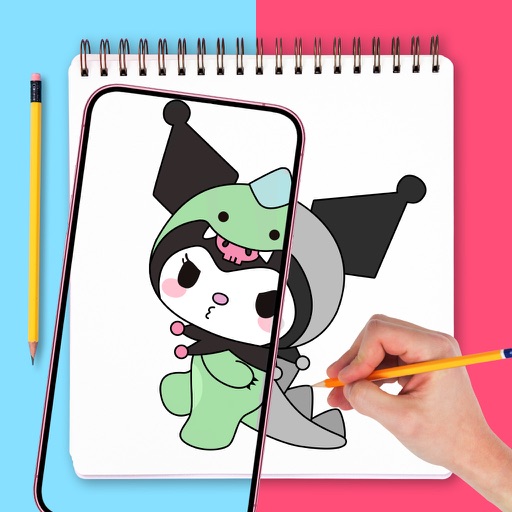
Use phone camera to project images onto surfaces for tracing. Access templates for drawing and coloring. Color traced images to create artwork. Share finished drawings directly.
Use phone camera to project anime-style templates onto paper or surfaces. Trace outlines to create art. Adjust lines and colors. Export drawings in various formats. Sync with digital tools for further editing.
Edit photos with a wide range of effects, from basic adjustments to advanced graphic transformations. Repaint images using various brushes and import Photoshop brushes. Share edited photos on Instagram with the # tag.
Create illustrations, logos, and UI designs with precise drawing tools. Import and edit graphics. Organize projects in workspaces. Export in multiple formats. Collaborate in real-time with others. Adjust colors, shapes, and layers.
Convert rectangular photos to (1:1) or portrait (4:5) formats. Select media, choose layout options, and share directly. Add white frames and adjust background colors for clean, framed visuals.
Edit photos and videos to post full size content to Instagram and other platforms without cropping. Add audio, effects, frames, text, stickers, and overlays. Trim, rotate, scale, and flip media.
Manage and organize creative projects in one place. Import and export files. Edit art with high zoom, animation tools, and color palette customization. Create and animate sprites for retro-style games.
Turn photos into studio-quality images with AI enhancements. Create animations and face expressions. Apply artistic styles like 3D and sketch-to-realistic. rtistic emojis and animated faces from selfies. Export and share transformed images.