Convert photos into -art drawings with adjustable thickness and volume. Save and share creations in black and white or color. Apply hand-drawn effects to friends, pets, or locations.
by Takenori Asami★ 3.06 ratingsGraphics & DesignFreeData updated 2026-09-08
Repair and enhance blurry, pixelated, or damaged photos and videos. Apply AI-based sharpening and resolution upscaling. Colorize black and white images. Export enhanced media in various formats.
Create drawings by tracing images from the 's library or photos. Adjust line thickness and color. Add text and graphical elements. Export drawings in multiple formats. Share completed artwork directly.
Create AI-generated art by entering prompts and selecting art styles. Generate unique images, photos, and digital artworks based on descriptions. Edit and refine generated content within the . Export and share final artwork directly.
Create art from sketches or text descriptions using AI. Upload drawings or describe images to generate artwork. Edit and export generated art in various formats.
Create AI-generated artwork from text prompts by selecting an art style. Edit generated images, share them, and view user-created AI art for inspiration. Export in various formats and adjust settings for customization.
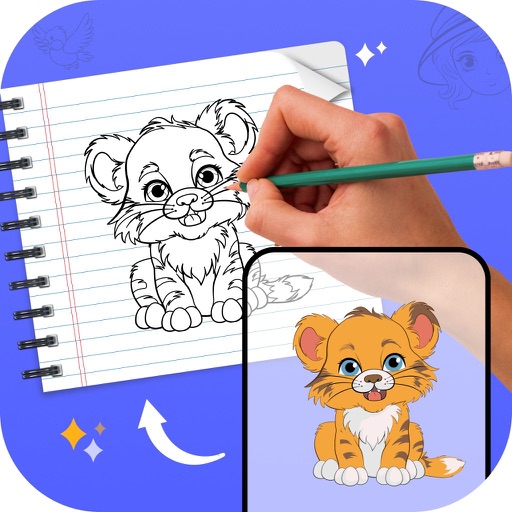
Learn to draw with -by- tutorials and AI guidance. Use your phone's camera as a projector to trace and practice. Access drawing lessons for all skill levels, from beginner to advanced.
Create and edit drawings with brush, blur, eraser, fill, pen, pixels, procedural, select, smudge, text, and vector tools. Work with hundreds of layers. Participate in daily drawing challenges, competitions, and collaborative co-ops.
Create flipbook animations with frame-by-frame drawing. Use pressure-sensitive pen and eraser tools for artistic effects. Edit with undo/redo features. Add predefined animations and effects. Export and share finished projects.
Create glowing designs by drawing with your . Spin creations to watch them rotate. Customize colors and patterns. Save and share artwork. Explore calming, interactive art experiences.
Create images by describing scenes, characters, or moods in real-time chat. Generate drawings and photos using AI. Chat with AI friends for instant image generation. Adjust and refine outputs directly within the .
FITNESS TRAINING GLOBAL ONE MEMBER COMPANY LIMITED
Sketch with AR and AI
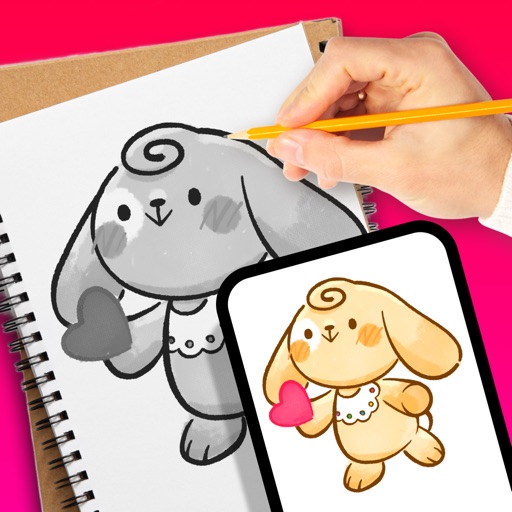
AR – Project sketches onto real-world surfaces using augmented reality. objects for precise outlines. AI-powered tools suggest color palettes and brush strokes. Edit layers, adjust opacity, and apply effects.
Edit photos with skin retouching, blemish removal, and dodge & burn tools. Remove stray hairs and edit hair part lines with one click. Reshape facial features and adjust body proportions using 3D bone mapping.
Create social media posts, flyers, collages, logos, and wallpapers with drag-and-drop tools. Use pre-designed templates for Instagram, Facebook, and phone wallpapers. Add text, images, and graphics.
Create art by entering prompts and selecting styles. Generate images, paintings, and drawings in seconds. Export and share created artwork. Adjust details and refine outputs as needed.
Convert photos into printable pages with customizable line art. Select from artistic styles and color sections by tapping. Print or share high-resolution pages. Ideal for creative expression and preserving memories.
Allows users to draw and explore with infinite scroll and . Create digital artwork using Apple Pencil support. Adjust brush settings for precision. Save and export drawings in various formats. Collaborate in real-time with others.
Create image compositions with layers, shapes, and text. Edit photos with touch-up tools and painting features. Add filters and adjustments. Export in various formats and share directly.