Solve triangles with two modes. Regular triangle mode allows input of 2 sides and an angle, 2 angles and a side, or 3 sides. Right triangle mode accepts 2 sides or a side and an angle. Calculates missing values based on input.
by Creature Code Mobile, LLC★ 4.380 ratingsUtilitiesFreeData updated 2026-09-08
Learn geometric using compass, pencil, and straightedge. Watch animated demonstrations to understand steps. Practice by creating yourself. The checks your work and confirms accuracy. Smart snapping aligns objects automatically.
Solve problems by scanning them with the camera. Input equations, multiple choice questions, or text-based problems. Get step-by-step explanations and solutions. Learn concepts through interactive examples and practice exercises.
Simulate the by adjusting size and launching balls. Observe patterns as balls bounce left or right. Track distribution results. Run multiple simulations on iPad.
The app helps children learn and practice seven shapes: Circle, Hexagon, Octagon, Square, Rectangle, Star, and Triangle. Kids can identify shapes by color, outline, and verbal pronunciation.
The app is an educational puzzle game that helps users memorize world flags. It offers various modes like Quick Mode, Area Mode, Selection Mode, and View Mode to aid learning and practice.
Explore fairy realms and discover magical creatures
Explore a whimsical fairy world with interactive elements. Discover fragrant flowers, berries, and summer landscapes. Engage with charming and butterflies. Learn about their daily activities and fashion preferences through visual storytelling.
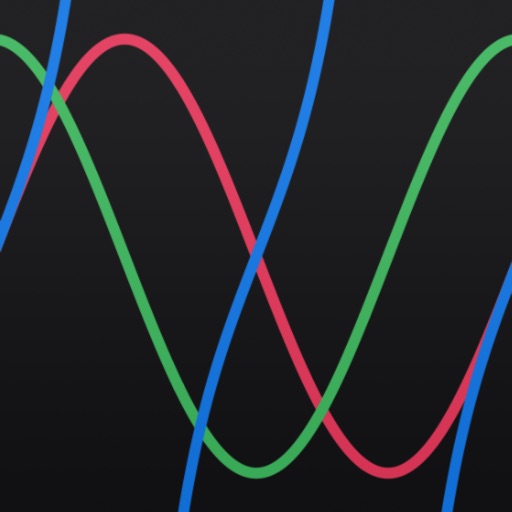
Understand trigonometric functions visually and easily.
The app provides visual representations of trigonometric functions, including wave graphs. Users can easily calculate and confirm the values of sine, cosine, tangent, cosecant, secant, and cotangent.
Solve algebra equations step-by-step. Practice arithmetic operations anytime. Access over 100,000 grade-specific word problems with explanations. Receive personalized feedback and progress tracking.
View 3D models of low poly art assets with interactive zoom and rotation. Preview models in wireframe, textured, or shaded modes. Check triangle counts and explore assets from the developer's career.
Solve problems with AI-powered step-by-step solutions. Input problems via photo or text. Receive detailed explanations and instant answers. Track progress and revisit solved problems for review.
Learn programming concepts through visual commands. shapes by instructing a turtle to move and turn. View programs and drawings side by side. Toggle full screen for larger drawing area. Adjust turtle movements to create complex designs.