Add date and time labels to photos with customizable position and font color. Edit photos without losing resolution. Automatically save edited images to the library.
by 文睿 李★ 2.65 ratingsPhoto & VideoFreeData updated 2026-09-08
Take high quality photos and videos using triple and dual systems. Adjust exposure and use 10x zoom for both photos and videos. Record HDR videos with real time zoom and smooth focus. Switch between lenses automatically or manually.
Add text, signature, image, or logo watermarks to photos and videos. Choose from multiple fonts and colors for text. Import trademarks from photos. Apply full-screen watermarks easily.
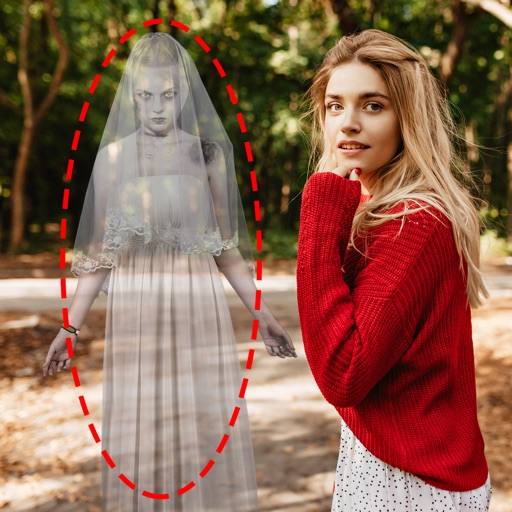
Edit photos by adding ghosts, monsters, or zombies from 62 options. Adjust transparency, color, saturation, brightness, and contrast for each creature. Position and resize creatures freely. Share finished photos with friends.
Add to photos and videos with customizable fonts and colors. Create captions, watermarks, and animated for social media. Edit art freely without ads or watermarks. Share edited content directly.
The app allows users to create photo and video collages with customizable layouts and enhancements. Users can add text captions, filters, and borders, and import media from various sources.
Create reflection effects with left-right, up-down, or repeat options. Apply effects and designer frames to enhanced images. Select from gallery or capture new photos for editing. Export and share edited images.
Apply filters and to photos. Select from pre-designed templates to create images or cards. Edit photos by adding text, stickers, and custom . Share edited photos directly.
Edit photos by applying filters and adding eye effects. Choose from multiple eye styles and import images from the camera roll. Share edited photos on social media platforms like WhatsApp, Facebook, and Twitter.
Take photos with real-time filters and artistic effects. Edit images with cropping, brightness, and color adjustments. Add text, stickers, and holiday-themed decorations. Share edited photos directly to social media.
With filters, cropping, and adjustment tools. Apply beauty enhancements and double exposure effects. Use color splash and resize images. Access frames and story templates. Change resolution and export in multiple formats.
Transform photos into cartoons, comics, or illustrations using live camera preview and filters. Edit images with adjustment tools and add text. Export high-resolution images. No advertisements.
Edit photos with AI-powered enhancement, unblurring, and sharpening. Remove objects and restore old images. Convert photos to pixelated or HD formats. Create AI-generated cartoons. Share edited images directly.
Edit photos by selecting and removing unwanted elements such as people, objects, trash, pimples, lines, or other unwanted content. Retouch images to improve appearance. Save and share edited photos.
Capture photos and videos with real-time timestamps
Capture photos and videos with real-time , date, and location stamps. Add live maps, altitude, and addresses to media. Edit timestamps and view geolocation data. Share stamped media with precise metadata.
Swipe to clean photos by left-swiping to or right-swiping to keep. Organize camera roll by removing unwanted images. Free up iPhone storage space. Build a habit for decluttering.
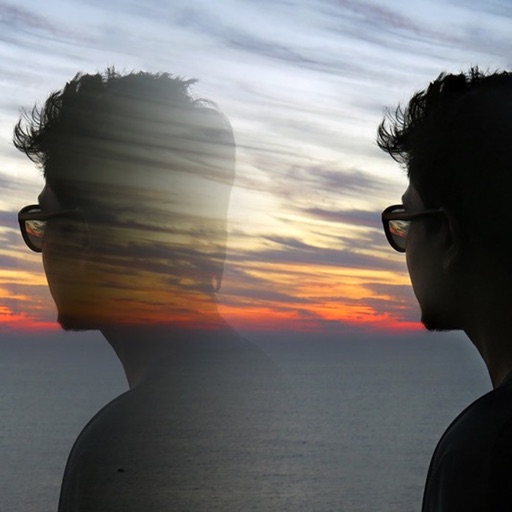
Edit photos with 12 blend modes including overlay, multiply, difference, and exclusion. Combine foreground images from a growing library of over 400 options. Export and share edited creations.
Compress photos to reduce file size before sharing. Adjust resolution and dimensions. Maintain minimal image quality loss. Export compressed photos for email or social media.
Enhance low-resolution photos with AI upscaling. Remove blur and noise for sharper details. Adjust brightness, contrast, and color. Save and share improved images in HD format. Restore vintage photos to high-definition quality.