Add date and time labels to photos with customizable position and font color. Edit photos without losing resolution. Automatically save edited images to the library.
by 文睿 李★ 2.65 ratingsPhoto & VideoFreeData updated 2026-09-08
Capture high-resolution photos with auto-enhancement and record HD videos. Organize images and documents by , add notes, and share files securely. Track progress and generate reports for jobsite inspections.
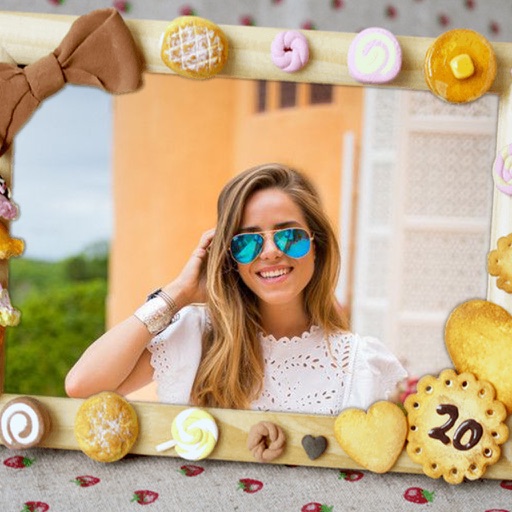
Edit photos by selecting from the gallery or capturing new ones. Apply various and effects. Adjust position, size, and angle. Save edited images and share via social media, email, or messaging apps.
Start and stop directly from the Home Screen using widgets. Track and control from the Lock Screen or Dynamic Island with Live Activities. Create multiple customizable with specified intervals and labels. Pause, resume, and restart as needed.
Edit photos with LUT color filters, film grain, and textures. Add light leaks, paper burn, and bokeh effects. Import photos or shoot with the built-in camera. Apply vintage light effects and adjust for cinematic looks.
Create QR codes for website links, text, Wi-Fi, business cards, SMS, and social media accounts. Customize colors, patterns, frames, and add logos or text labels. Share generated QR codes directly.
Add timestamps and customizable watermarks to photos and videos. Edit images with filters and cropping. Record videos with overlay options. Share content directly from the .
Remove unwanted objects from photos with one-tap selection. Edit images to eliminate distractions like people or power lines. Save and share edited photos directly. Adjust background details for a cleaner look.
Identify and remove duplicate and photos using smart detection. Filter by date range and other criteria. Organize photos in a two-column layout for clearer comparison and deletion.
Edit photos by selecting from the gallery or capturing new ones. Apply various and effects. Adjust position, size, and angle. Save edited images and share via social media, email, or messaging apps.
Create side-by-side image comparisons by merging two photos with a slider. Adjust opacity and alignment. Export edited images in various formats. Share directly via social media or messaging apps.
Plan meals with a built-in planner. Set main timers and sub-timers for multiple dishes. Label timers with photos. Receive alerts when meals are ready. Track steps and manage multiple timers simultaneously.
Remove unwanted , people, or clutter from photos using AI-powered tools. Edit images by erasing specific elements and refining edges. Save and share edited photos directly.