Add date and time labels to photos with customizable position and font color. Edit photos without losing resolution. Automatically save edited images to the library.
by 文睿 李★ 2.65 ratingsPhoto & VideoFreeData updated 2026-09-08
Edit photos by tapping to add ink or decorations. Use face recognition or touch to place elements precisely. Resize, rotate, and adjust photos with two fingers. Save and share edited photos on social platforms.
Edit photos with holiday and add messages. Frame images with Christmas and New decorations. Share edited photos directly. Create collages and albums with customizable designs.
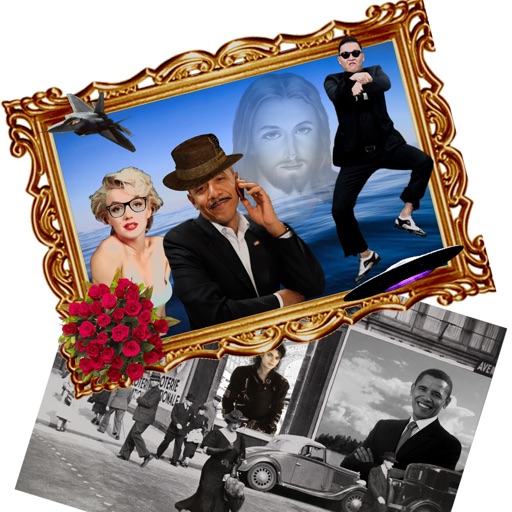
The app allows users to create new compositions from photos, drawings, and text. Users can add frames, text, and drawings to photos, modify them with filters, and combine elements to create new images.
AI editor offers one-tap cleanup, lighting adjustment, skin smoothing, and portrait polishing. Remove and replace backgrounds with clean cutouts. Upscale images to ultra-clear resolution. Apply colorization and restore old photos.
Decorate photos with customizable and effects. Select images from the gallery or capture new ones. Adjust position, size, and angle. Save, share, or upload edited photos to social media platforms.
Edit photos with AI-powered enhancements, facial refinement, and background removal. Apply creative styles like emoji or Ghibli art. Remove objects and adjust colors automatically. Export edited images in various formats and share directly.
Edit photos with customizable and PIPs. Add stickers and create collages. Choose from global landmarks as backgrounds. Save and share edited images directly.
Swipe to delete photos you don’t want. Free up storage on your iPhone. Randomly display images from your library. Keep or remove photos without complex features. No endless scrolling.
The app lifts shadows, balances exposure, and recovers detail to create clearer, more luminous photos. It offers a live split preview, curated presets, and precise controls for adjusting effect strength.
Edit photos to change using 40+ pre-defined shades. Draw and erase unwanted areas. Save edited images. Apply visual effects without makeup. Adjust and preview changes instantly.
Decorate photos with customizable and effects. Choose images from the gallery or capture new ones. Adjust position, size, and angle. Save, share, or upload edited photos to social media platforms.
The app allows users to order photo prints, posters, photo books, banners, and cards. Users can upload photos from their library and order them at full resolution for pickup.