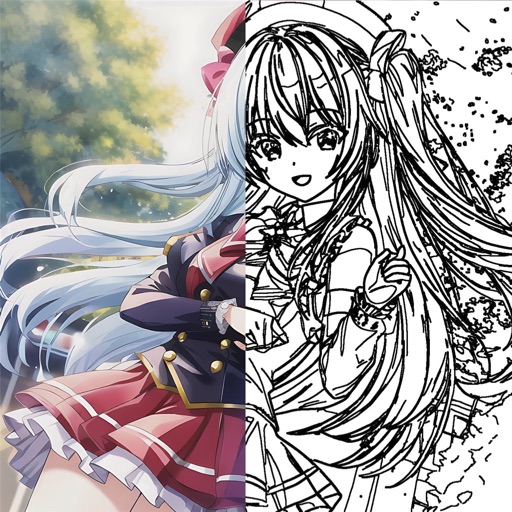
The app offers 17 tools for adjusting image quality, including noise reduction and sharpening. Users can compare before and after images by long pressing.
by EIGHTIVE DESIGN, Inc.★ 4.47 ratingsPhoto & VideoFreeData updated 2026-09-16
The app provides a powerful editor with a simple design for photo enhancement. Users can add custom textures, stickers, and text to their images, with options for focus, color splash, and various filters.
The app provides a powerful editor with a simple design for photo enhancement. Users can add custom textures, stickers, and text to their images, with tools for focus, color splash, and adjustments to brightness, contrast, and saturation.
Digitize old photos and slides by scanning with your device's camera. Convert images to high-quality digital format and colorize them. Save and share edited photos. and preserve documents and artwork.
Unwanted elements from photos using object removal tools. Isolate main subjects with background removal. Replace backgrounds with solid colors, custom images, or transparency. Export edited photos in various formats.
Allows users to convert images to black and white while emphasizing specific objects or colors. Users can open existing images or capture new ones with the camera. They can zoom and pan using two fingers or paint with one finger.
Preview and snap images from WiFi cameras. Adjust temperature, brightness, contrast, saturation, gamma, AE, AWB, gain, and AE target. Set frame rate to 25fps for 1280960 resolution. Control camera settings remotely.
Compress videos and photos to file . Adjust resolution and bitrate. Export compressed files. Share directly from the . Edit videos with trimming and splitting tools. Maintain high quality during compression.
Edit files by trimming, splitting, and merging clips. Apply effects like equalization and reverb. Convert formats and adjust volume levels. Enhance quality with noise reduction tools. Save and share edited files directly.