The app offers 17 tools for adjusting image quality, including noise reduction and sharpening. Users can compare before and after images by long pressing.
by EIGHTIVE DESIGN, Inc.★ 4.47 ratingsPhoto & VideoFreeData updated 2026-09-16
Add to videos automatically. Upload a video and generate captions instantly. Remove background noise and enhance audio clarity. Export high-resolution videos for social platforms. Share videos with silent audio options.
Sort pictures by popularity, recency, and votes. Preview thumbnails for quick browsing. Save images as iPhone wallpapers. Swipe to navigate through photos. Share pictures with friends.
Edit photos with cropping, resizing, rotation, color adjustment, framing, annotation, and special effect filters. Convert images between formats like PNG, JPEG, GIF, BMP, TIFF, HEIC, and PDF. Stitch photos using templates.
Enables manual adjustment of settings such as focal length, exposure, ISO, shutter speed, and white balance. Users can capture photos and videos with precise control.
The app provides photo editing tools with a simple design and powerful editor. Users can add textures, stickers, and frames to photos and enhance images with various filters and adjustments.
The app provides a powerful editor with a simple design for photo enhancement. Users can add custom textures, stickers, and text to their images, with tools for focus, color splash, and brightness adjustments.
And store receipts, documents, and photos. Save scans locally and in the for cross-device access. Auto-crop images to remove noise and enhance clarity. Share scanned files directly via email or messaging apps.
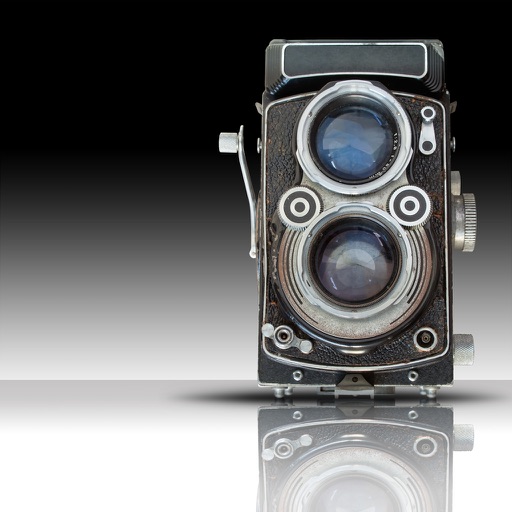
The app allows users to transform photos into vintage images with various color and light effects. Users can apply different frame borders, adjust contrast, gamma, and saturation, and add vignetting and noise.
Edit photos with rotation, straightening, resizing, cropping, and border tools. Adjust color, temperature, tint, and apply film effects, light leaks, and lens flares. Add overlays, textures, and dirt effects.