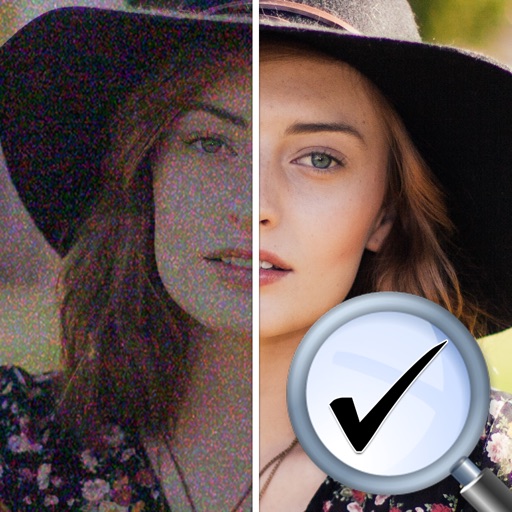
The app offers 17 tools for adjusting image quality, including noise reduction and sharpening. Users can compare before and after images by long pressing.
by EIGHTIVE DESIGN, Inc.★ 4.47 ratingsPhoto & VideoFreeData updated 2026-09-16
Stylize photos using over 500 AI art styles from various movements. Edit and retouch images with professional tools. Work offline with on-device AI models. Keep data private with no cloud storage. Export edited images in multiple formats.
Record HD videos and movies. Apply filters and effects. Crop and rotate videos. Adjust contrast, saturation, brightness, and temperature. Fine-tune colors and create custom filters. Use presets. Export in high resolution. Share videos directly.
The app allows users to change a monochromatic background into any image. It offers tools to manually remove backgrounds without a green screen and includes features like auto-enhance, drawing, stickers, text, and various photo effects.
Edit photos with color and film filters, vintage textures, and light leak effects. Adjust brightness, contrast, and saturation. Add vignettes and analog film sensations. Export edited images in various formats.
Amplifies sound with 11x microphone boost and headphones. Reduces background noise and enhances speech clarity. Includes a built-in test and adapts to different environments. Improves phone call quality and supports sound recording and transcription.
Retouch portraits by smoothing skin, enhancing smiles, and removing imions. Apply filters for vintage, color toning, and film styles. Adjust color temperature and tone for precise corrections. Export edited photos directly.
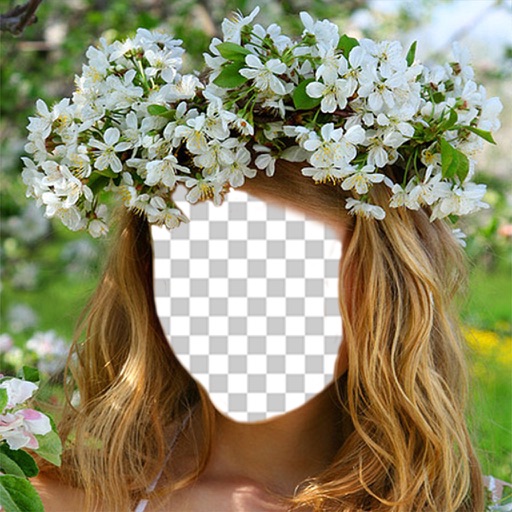
Faces allows users to overlay their on various funny images. Users can select from 12 categories and 300+ photos. They can take a selfie or upload an image and place their on the selected .
And paint with a variety of tools including pens, lines, arrows, rectangles, ellipses, and text. Apply effects, adjust colors, and use filters. Crop, enhance, and add stickers to artwork.
Uses AI to repair damaged photos by removing scratches, tears, and fading. It automatically enhances image quality and colorizes black-and-white photos. Users can and share edited images directly.
Record high-resolution video in multiple aspect ratios and frame rates. Adjust focus, exposure, tint, and temperature with swipe gestures. Create and save custom aspect ratios. Crop media or optimize for Instagram using color-based mattes.
Create videos by dragging and arranging clips, cutting, and splitting sections. Apply filters and effects in real time. Add audio with filters, mix sounds, and record new audio. Include animations, slow-motion, and time-lapse features.