The app stores and searches dermatological photos and metadata on iPhone, iPad, or a PostgreSQL server. It allows users to find photos by patient name, diagnosis, time, or eruption distribution, and compare current eruptions with past photos.
by manabu inuzuka★ 5.01 ratingsMedicalFreeData updated 2026-09-16
Manage and monitor hyperbilirubinemia with age-specific recommendations. Access 2022 and 2004 AAP guidelines via in- toggle. View levels, track patient progress, and generate follow-up plans. Sync with electronic health records.
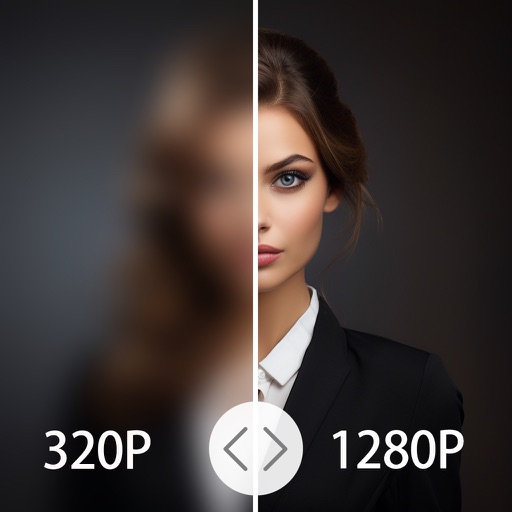
4x enhances image resolution by 200%, 400%, or 800%. It restores low-resolution faces using Face AI technology. It preserves details while enlarging images. Users can upload photos and apply restoration features.
Access medical advice from subscribed doctors via instant messaging. Schedule virtual consultations and receive timely responses. Choose specialists like dermatologists or pediatricians.
View full-color photos and labelled drawings of dermatological . Watch 78 high-definition narrated videos demonstrating techniques like skin biopsies and botulinum toxin injections. Access text explanations and perform procedure-based learning.
Edit photos to remove noise, sharpen blur, and enlarge details. Process images using AI for enhanced quality. No cloud uploads for secure storage. Processing time varies based on file size.
The app allows users to add various mustaches, hairstyles, beards, glasses, and hats to photos. Users can select images from their library or take new ones, then apply filters, frames, and captions.
Edit photos with multiple props, frames, and effects. Apply presets and overlays. Capture photos in portrait, landscape, or square orientation. Share images directly to social media. Supports iPad, iPhone, and iPod Touch.
The app is a native iPad application for medical surgical specialities. It records patient visit data in real time, automating documentation at the end of each visit.
Blur image backgrounds to create effects. Select photos from gallery or capture new images. Apply multiple blurring tools to adjust blur intensity. Export edited photos to device storage.
The app allows users to crop photos into a square shape for posting on Instagram. It supports both landscape and portrait orientations and offers various background options and effects.