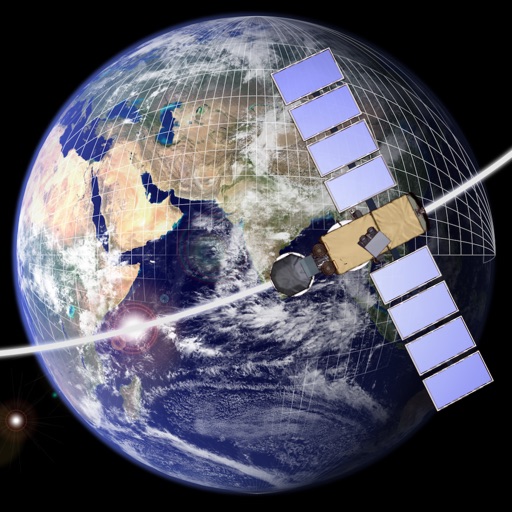
Design and explore satellite orbital geometry interactively.
The app lets users design and explore satellite orbital geometry using an iPad's multi-touch interface. Users can manipulate orbits with gestures, see real-time effects on orbits and ground tracks, and animate results.
by a.i. solutions, Inc.★ 5.02 ratingsEducationFreeData updated 2026-09-16
Access HBDI® assessment results and explore thinking styles interactively. View personal profile details and apply Whole Brain® Thinking strategies. Share insights with contacts and track progress over time.
Study with interactive meridian pathways and point locations. Explore a customizable anatomy model with muscles, bones, and organs. Edit and save detailed descriptions of points, meridians, and models. Search by point name, function, or indication.
The app allows users to design, simulate, and learn analog and digital electronics. Its simulation engine provides real-time analysis, enabling users to interact with powered circuits and observe results instantly.
Manage space research funding by selecting projects and tracking their progress. View real-time data from the International Space Station. Access educational content about microgravity experiments and their Earthly applications.
View planetary orbits and simulate motion to observe planetary alignment and movement. Adjust time speed to visualize scale and dynamics. Access data anytime for educational exploration.
Solve problems through interactive challenges and games. Receive step-by-step explanations via AI assistance. Access personalized lessons based on skill level. Track progress with adaptive difficulty adjustments.
With history tape, real and complex number support, angle modes including radians and degrees. Features constants, unit conversions, and capabilities for equations and functions.
Calculate geometric properties such as perimeter, area, and volume for shapes including squares, rectangles, triangles, trapezoids, circles, cubes, cylinders, and cones. Input dimensions to get results. Export calculations as text.
Create 3D building blocks with color options. Add or remove blocks with a single tap. Rotate blocks using one finger. Pinch to zoom and spin blocks for different views. Save screenshots of creations.
Construct geometric shapes using points, lines, circles, polygons, and angles. Drag points to explore interactive . Measure lengths and areas. Transform shapes through mirroring, rotating, and dilating.
Learn 9th grade math with comprehensive lessons covering , geometry, and trigonometry. Use the AI math solver for instant step-by-step solutions. Play interactive math games to reinforce concepts.
National Institute of Allergy and Infectious Diseases
Explore pathogens with AR gestures
Explore interactive stories about pathogens and diseases using touch gestures or a Merge Cube Device. View 3D models of pathogens, learn about their structure and function, and engage with educational content through augmented reality.