Design circuits, simulate projects, and analyze data
Learn electronics concepts through interactive lessons and diagrams. Simulate circuits and test components. Calculate resistor values and voltage drops. Access formulas and reference tables. Export project designs and share results.
by Thomas Gruber★ 4.71,402 ratingsEducationFreeData updated 2026-09-08
Convert units across 19 categories including acceleration, angle, area, cooking, data storage, density, and energy. Switch between 150+ currencies. Perform calculations for conversions and exchanges. Share results via copy or email.
Learn to read staff measurements and identify parts of an . Perform simulated practicals using the height of instrument method. Explore 3D simulations for surveying basics.
Electrohelper allows users to access reference information on electronic components and circuits. It includes tools for calculating various filter types such as Butterworth, Sallen-Key, Chebychev, and Bessel.
Control home electronics with an iPhone using an audio-to-IR accessory. Manage devices like TVs, stereos, and projectors. Switch inputs, adjust volume, and navigate menus. Pair devices via Bluetooth. View device list and customize button layouts.
Detect objects using iPhone's magnetic field sensor. Tap to scan and view detected metals. Adjust sensitivity settings. Avoid strong magnets to prevent interference.
Offers 97 calculators and 28 converters for , civil engineering, and structural engineering. Users can calculate pressure, forces, and absolute pressure. Switch between USCS and SI units.
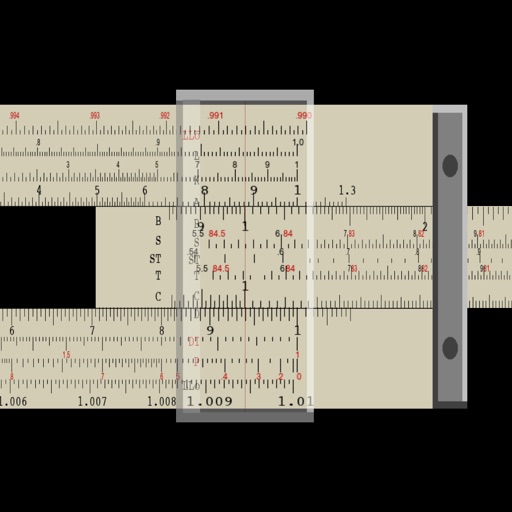
Perform multiplication, division, logarithmic, and trigonometric calculations using a slide rule interface. Adjust scales for precise measurements. Manual operation requires sliding components to compute results.
Fundamentals with detailed explanations on topics like electricity, voltage, current, resistance, and Ohm's Law. Explore components such as capacitors, diodes, LEDs, and tools like multimeters, voltmeters, and ammeters.