Apps Like Collage Creator Lite for iPhone and iPad
Create picture collages easily on iPhone.
The app allows users to create picture collages on iPhone or iPad. It offers features like shaking to shuffle, finger manipulation of photos, and various sharing options.
by Gaurav Agarwal★ 4.732 ratingsPhoto & VideoFreeData updated 2026-09-16
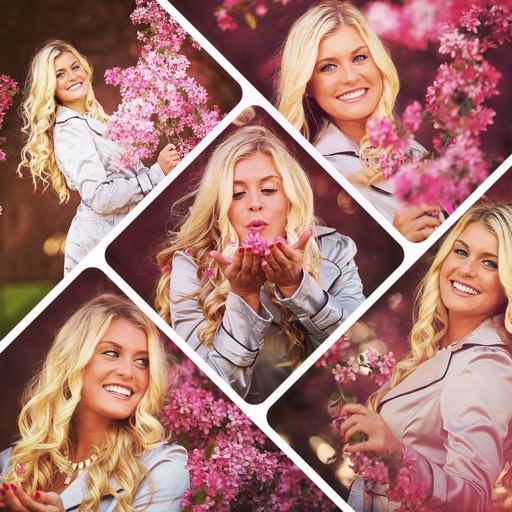
Create collages by combining multiple photos using various frame patterns and grid layouts. Apply over 1100 design styles to individual images or collages. Share finished creations directly from the .
Create flipped collages by selecting images from the library and applying predefined styles. Share collages directly to social media with one tap. Update the for improved performance and enhanced user experience.
Create collages by mixing and arranging photos, rotating, and moving them freely. Add text, stickers, and backgrounds with customizable fonts, sizes, and colors. Draw or write on photos using a doodle tool. Export and share finished collages.
Edit photos and videos with AI-generated anime styles, including facial enhancements and background effects. Apply filters, adjust colors, and add animated elements. Export edited content in various formats and share directly.
Create collages using photos and videos with hundreds of templates. Arrange media in customizable layouts. Add text, frames, and effects. Share finished collages directly to social media.
Create collages with 64 layouts and custom difference templates. Add photo frames, stickers, captions, and text with font options. Edit backgrounds and export finished collages.
Create collages using customizable templates and pre-defined styles. Save collages to Google Drive. Use Quick Edit Mode for fast adjustments. Set and save template styles and prices automatically. Export collages in various formats.
Manage clothing by taking photos and removing backgrounds. Sort items into collections like shirts and shoes. Create collages with clothing items, add comments, and save looks. Categorize outfits as casual, classic, glamorous, or sporty.
Edit photos using aesthetic filters and popular effects. Apply stylish templates and create rich collages. Enhance images with easy-to-use tools and share directly to social media.
Create collages by combining multiple photos. Add romantic and text. Share collages via social media or messaging. Customize layouts and edit images within the .
Edit photos with filters, effects, and adjustments. Add text with multiple fonts, colors, and effects. Overlay text or add captions and 3D text. Include stickers, artwork, and frames. Create collages and personalize cards with photos.
Create collages and cards for occasions like birthdays and holidays. Choose from customizable layouts, backgrounds, and stickers. Apply filters. Add photos to designs and export for sharing. Purchase additional layouts and content packs.
Create collages using free layouts and grids. Add stickers, text, and backgrounds. Edit photos with cropping, flipping, and layering. Save and share finished collages or stories. Generate wallpapers from edited images.