The app processes iPhone camera preview in real time with effects like sketch, sepia, and thermal camera. Users can choose front or rear cameras and save or share photos.
by Dariusz Niklewicz★ 3.04 ratingsPhoto & VideoFreeData updated 2026-09-16
Transmit images wirelessly via WiFi. Connect cameras to iOS devices. Adjust WiFi settings for transmission. View and save transmitted images directly on the device. Supports real-time monitoring and remote control of connected equipment.
Record video using both front and rear cameras simultaneously on iPhone XS, XR, and iPhone 11. Add text, contact details, and custom logos or images to videos. Share content directly with buyers or contacts.
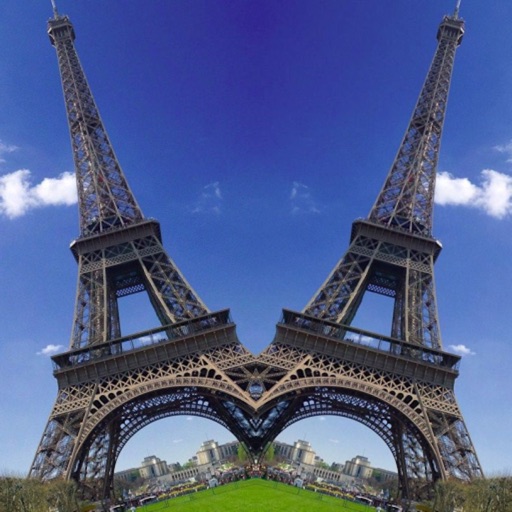
Create effects with left-right, up-down, reflection, and repeating options. Apply effects and designer frames to enhanced images. Edit and share -style photos with additional customization features.
Rotate to correct orientation with a single tap. Adjust individual images or batch rotate multiple files. Swipe to quickly navigate through photo library. Share corrected images directly.
Edit photos with one-touch filters for vivid, delicious results. Adjust brightness, contrast, and saturation. Add text overlays and stickers. Share edited images directly to social media or blogs.
The app offers long and multi-exposure photography with real-time tracking for moving or still objects. It provides a real-time preview to create smooth background and foreground blur, and users can record first and apply tracking afterward.
Record videos or take photos using both front and back cameras at the same time. Switch between cameras during recording. Capture balanced - shots with synchronized audio and visuals. Edit and share -view content directly.
The app creates black and white photos from the photo library or directly using the iPhone camera. Processed photos are saved in original size with a polished user interface.