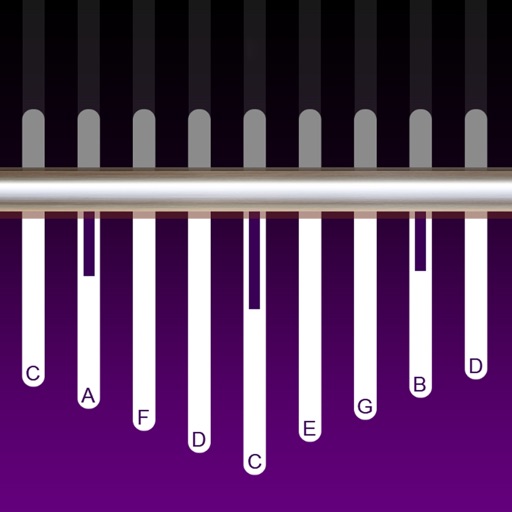
The app provides an iPhone and iPad implementation of the Kantil, a 10-key metallophone from the Balinese Gamelan Gong Kebyar. It features an authentic sound bank, real instrument photos, and customizable cipher notations.
by emacsian Company Limited★ 0.00 ratingsMusic$5.99Data updated 2026-09-16
Create and manipulate music using real synthesis and 2,500+ samples from actual video game chips. Adjust waveform parameters, apply filters, and layer sounds. Export tracks and share directly.
Edit audio with pitch shifting, formant control, and tone adjustments. Create harmonies and doubles with up to 12 . Transpose individual by an octave or flatten to a chosen pitch. Adjust width and placement for vocal effects.
Train musical skills with interval, chord, and progression recognition exercises. Customize training sessions. Set practice goals and track progress. Receive instant feedback on answers. Export results for review. Sync progress across devices.
Play bagpipes using on-screen controls to simulate fingering and embellishments. Adjust breath pressure and volume for realistic sound. Listen to high-quality recordings of real bagpipes.
The app allows users to play sounds in mid-air using the iPad's camera. It provides a sound sandbox and art creation tool with over 80 interactive colors, each producing a unique sound.
Learn about animals, birds, vehicles, and musical instruments through interactive categories. Tap to view photos, names, and sounds. Each category includes five different sounds and images.
Play virtual with 17 keys and full string connectivity. Access preloaded songs and lessons. Learn chords and riffs with guided tutorials. Add new tabs weekly. Export performances and share directly.
Play using a full 88-key keyboard. Adjust key size for better visibility. Choose from a sampled or 128 MIDI instruments. Zoom in and out for precise control. No subscription required. Optimized for iPhone and iPad.
The app offers a musical experience with over 50 songs. It includes six instrument sounds: piano, saxophone, accordion, bells, xylophone, and electric guitar.
Connect your Techno or neo to play music. Choose from various instrument sounds and built-in rhythms. Adjust settings to customize sound. Access controls through a simple, intuitive interface. Jam along with pre-set beats or create custom tracks.
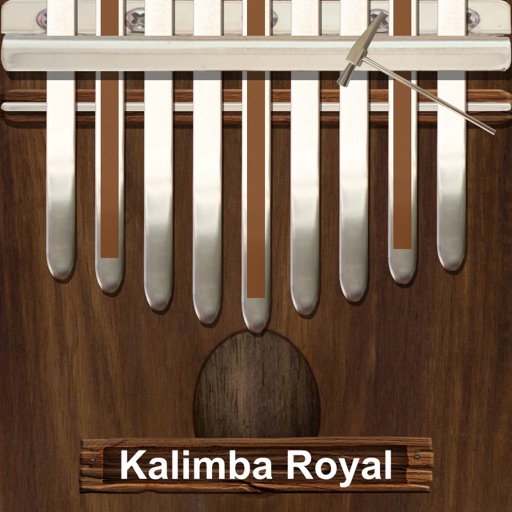
Play a traditional African musical instrument with metal tines. Pluck tines with thumbs to create melodies. Adjust pitch and volume. Save and share recordings. Learn scales and chords through built-in lessons.
Play -like musical notes with a customizable keyboard. Scale key size, use double rows, and flip the second keyboard. Adjust reference pitch, transpose keys, and use just intonation. Includes a metronome for timing.
Simulate the ANS synthesizer by drawing spectrograms to create music. Adjust parameters like pitch, amplitude, and envelope. Play back compositions and export audio files. Learn about the history and unique capabilities of the ANS instrument.
Listen to sounds from devices or global broadcasts. Choose instrument groups for plant audio. Relax by focusing on plant sounds. Subscribe for advanced editing features and additional content.
Control Yamaha via iOS device with real-time feedback. Adjust settings, access lesson content, and use metronome. Connect using Lightning to USB adapter or Yamaha cable. Record performances and playback samples.
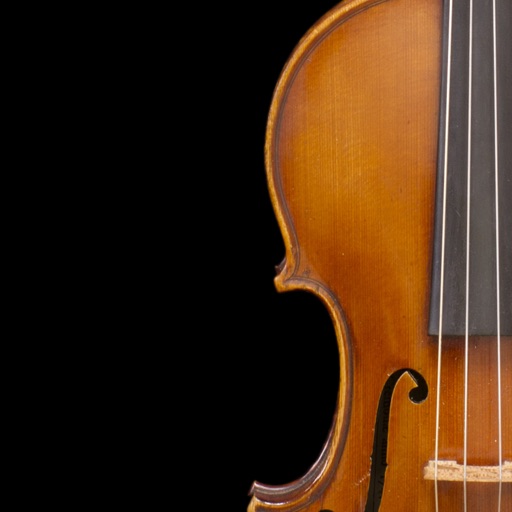
Turn iPad into a violin instrument by placing fingers on the screen to change notes. Move another hand to bow strings and shape sound in real-time. Pluck the screen to produce tones. Adjust bow pressure and position for dynamic control.