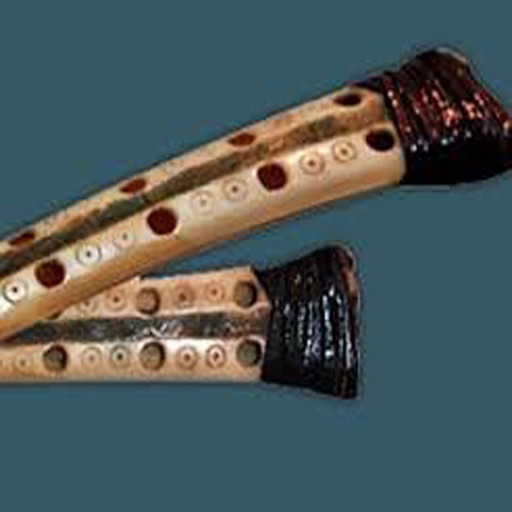
The app provides an iPhone and iPad implementation of the Kantil, a 10-key metallophone from the Balinese Gamelan Gong Kebyar. It features an authentic sound bank, real instrument photos, and customizable cipher notations.
by emacsian Company Limited★ 0.00 ratingsMusic$5.99Data updated 2026-09-16
The app plays monophonic melodies and converts them into music notation. Users can edit scores, change playback sounds, and share results via email, Twitter, or Facebook.
Create and play melodies, scales, and arpeggios with one-touch-per-note controls. Adjust pitch of individual notes in real time. Connect to software effects or record directly in DAW apps.
Play and record melodies with realistic keyboard controls. Adjust volume, pitch, and tone settings. Choose from preloaded Indian classical and devotional scales. Save and share performances. Sync with music libraries for playback.
Play Drum allows users to play virtual drums with multi-touch support for responsive instrument control. Choose from various drum kits including Studio Heavy Kit, Rock Kit, Tight Kit, and R&B Remix Kit.
Split audio tracks into vocals, instruments, bass, drums, and melody using AI. Customize pitch and tempo of individual elements. Export in lossless formats like WAV and M4A. Create instrumental versions and clean tracks for remixing and production.
Create and arrange music with chord progression tools, lead sheet display, and notation editing. Generate backing tracks, export songs, and transfer files. Play and record melodies, add lyrics, and print sheet music.
Create and play music with virtual trumpet, trombone, and saxophone instruments. Adjust articulations, dynamics, and timbres. Record and export performances. Sync with DAWs for production. Control via MIDI or touch interface.
Transforms iPhone into a chromatic and . Detects pitch and displays frequency. Adjusts tempo and beats per minute. Customizable settings for tuning and rhythm. Syncs with audio input for real-time feedback.
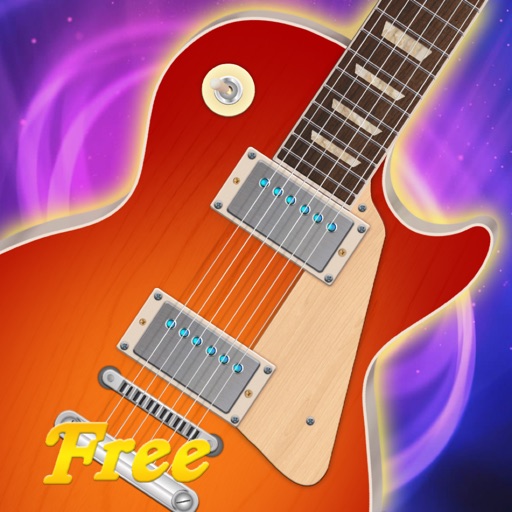
The app allows users to play music on iPad by touching and strumming six strings. It simulates playing lead guitar with a band, covering genres like Rock, Pop, Blues, and Metal.
Play notes with finger pressure sensitivity. Adjust pitch with microtonal tuning and transpose settings. Apply reverb and chorus effects. Practice scales and chords. Save and share performances. Sync with music theory tools for guidance.
Play a musical instrument with bowing and plucking features. Adjust string tuning and volume. Access sheet music and practice modes. Record performances and share files. Track progress and receive feedback.
Simulate three style instruments with adjustable rhythms. Access 32 Arabic rhythm styles and quarter flat tunes. Includes accords and two distinct music tunes. Change rhythm patterns and adjust settings.
Control sound through movement using ML-based body recognition and device camera. Create and manipulate melodies with gestures. Visualize audio in real-time. Share creative sessions with others. Adjust pitch, tempo, and effects on the fly.
Create and customize sounds using waveforms or microphone input. Adjust filters and settings to modify audio. Use pre-designed sounds or build original ones. Save and share custom sound designs.
A for children allows users to play musical notes and create chords by pressing three consecutive notes. Sliding fingers across keys produces harmonious sounds. It includes note sequences for nursery rhymes and lullabies in English.
Play using fretless fingerstyle techniques. Adjust tone with finger pressure on the screen. Access layered sound samples for each note. Practice scales and chords with on-screen notation. Record and replay performances.
Generate sounds across frequencies from 1Hz to 22kHz using a slider. Adjust volume and play tones. Test hearing, audio equipment, or tune instruments. Perform audio experiments and adjust sound parameters.