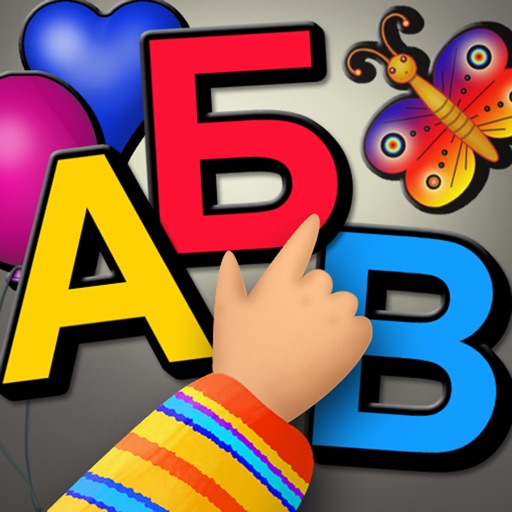
Learn and play with Russian letters using interactive magnetic board features. Drag and drop letters to form words. Access multiple magnet sets with sound and shine effects. Customize with special offers for full version access.
Solve sliding puzzles by moving numbered tiles into order. Customize colors and choose board sizes from 3x3 to 8x8. Track scores on Game Center leaderboards. Play without ads or in- purchases.
The app provides a finger painting experience with color, sounds, or music. It offers single-touch and multi-touch options to support various interaction preferences and skill development.
The app provides seven categories of magnets for creative arrangement and learning. It includes letters, numbers, shapes, symbols, fruits, vegetables, and animals.
Allows users to slow speech rate by tapping a icon for each syllable or word. Includes customizable sequences and visual feedback. Tracks progress over time and provides audio examples for comparison.
Build real-world confidence by practicing everyday conversations and navigating situations. Users can role-play scenarios, receive feedback, and track progress.
Color pictures with a wide range of colors and tools. Draw on blank pages using realistic painting features. Access a variety of pre-designed images for . Zoom in and out easily. Watch video replays of drawing sessions.
The app features a colorful neon style where players collect dots. Power-ups like speed up, magnet, and extra life can be collected and upgraded using dots.
The app allows users to create drawings by inserting colored tacks onto a perforated board. Users can draw freely or use a photo as a guide, applying tacks over it.
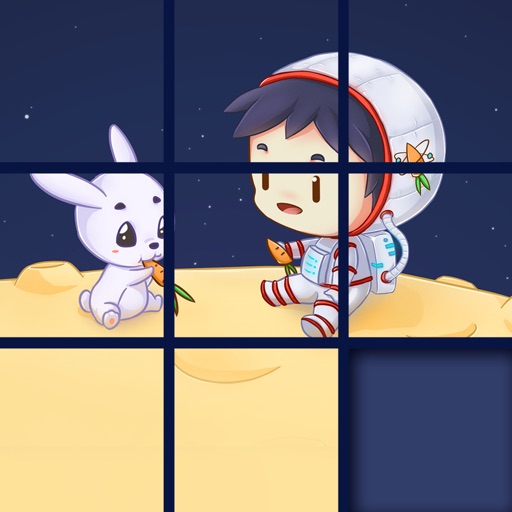
The app presents a sliding puzzle game where users arrange picture pieces into their original state. Pieces slide into adjacent empty squares, with the empty square ending in the bottom right corner.
Explore curated artwork from various art movements and styles. Learn about painting techniques, historical context, and artist backgrounds. Search for past artworks using a calendar view.
Pages allow users to learn English through interactive images. Users can select from 26 different illustrations to color. Completed drawings are saved automatically.