Test colors on walls using photos or palette selections. Apply color to home images for visual preview. Adjust color tones and brightness. Save and compare color options before purchasing .
by Luminant Software, Inc★ 3.324 ratingsUtilities$2.99Data updated 2026-09-08
The app offers various paint strokes including single, symmetrical, and star. Users can select stroke sizes and utilize normal colors, continuous color change, gradient colors, and gradient rainbow color change.
Create oil paintings from photos with brush stroke effects, color blending, and texture layers. Adjust lighting and shadows. Save and share final artwork in high resolution.
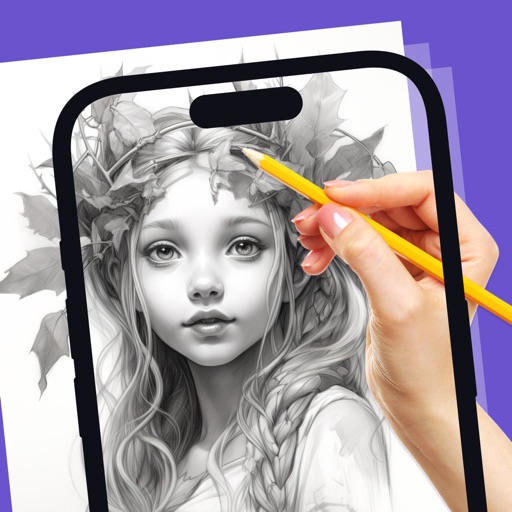
Convert photos into printable pages using AI. Upload images to generate detailed sketch outlines. Customize pages with color options. Print or share finished artwork directly.
Create pixel art with automatic double pixel removal for precise line art. Use round, square, and matrix dither brushes. Draw lines locked to isometric angles. Create rectangles and ellipses. Manage layers for animated projects.
Create animation with filters, changer effects, and 8 animation styles including cartoon, , and pop art. Apply effects live from camera or photo library. Share on Instagram, Snapchat, or Facebook.
Create paintings using emojis. Select from over 1600 emojis. Adjust size and other settings. Zoom in and out for precision. Works on iPhone, iPod Touch, and iPad.
Calculate material needs for flooring, walls, and ceilings. Draw rectangles or L-shapes to measure spaces. Account for installation standards like seams and tile centering. Estimate product usage based on real layouts.
Create animations with drawing tools, color options, and frame management. Import images or draw directly. Export and share animations on Cineverse. View progress and refine frames for detailed editing.
Try on by taking a face-on photo. Apply products like lipstick, eyeliner, and eyeshadow. Customize foundation and concealer. View realistic results before purchasing. Adjust with sliders and buttons.
Apply holiday colors to entries for visual distinction. Sync with iOS default data. Choose from 18 colors. Set start day of the week. Manage events with familiar interface.
The app allows users to take pictures and observe them collapsing under gravity. Dark areas function as empty space, and users can interact with falling pixels by touching the screen.
Allows users to create artwork on any surface by projecting templates onto real-world surfaces via camera. Users can outline projected images in real life and watch their sketches materialize.
Draw freely using customizable brushes and colors on a canvas, save creations as images to the album. Paint over existing photos from the library and save results. Write notes anywhere and save as images.
Identify colors using the camera for real-time detection. View names and hex codes. colors from brands like Sherwin-Williams and Benjamin Moore. Explore professional palettes and check harmony with a built-in wheel. Import photos to analyze colors.
Transform photos into paintings using 120 unique painter styles. Apply oil , cartoon, pencil sketch, and pop art filters. Edit and share the final artwork directly.