Record slope angle and aspect using phone camera. Capture crown profile and measure dimensions. Map slide path with GPS. Share diagrams and maps with colleagues. Post data to network for alerts.
Measure distances and dimensions using AR and camera. Tap to place markers and view real-time measurements. Save and share measurements. Sync with other devices. Adjust for scale and unit preferences.
The app measures joint range of motion from a camera image or a saved image. Users can take a photo, select an image, point the center of a circle, and move lines to display the angle between them.
The app allows users to measure and adjust speaker toe-in angles using an iPhone, iPad, or iPod Touch. On-screen icons and color-coded numbers guide users to match speaker angles for improved audio system performance.
The app listens to instrument sound and measures its frequency. It supports over 50 tuning styles and offers a metronome with beat groupings, vibration, and torch features.
The app measures length, perimeter, and area on a map using an interactive crosshair. Users can trace map features, and dimensions update continuously.
Measure angles and levels with a bubble and digital inclinometer. Use 360-degree mode for versatile angle measurement. Check tilt and orientation for precise alignment tasks. Share measurements and save data for future reference.
Measure physical objects and distances using augmented reality. Tap to capture point-to-point measurements. Choose metric or imperial units. Save and store measurements for future reference.
Measure angles with using a digital protractor. Capture and analyze images for calculations. Export results and share measurements directly. Sync data across devices for consistent tracking.
Measure screen ripple and select eye-friendly devices
Measure ripple coefficient of light sources including LED, halogen, fluorescent, and incandescent lamps, as well as LCD and LED monitors. Display readings for visible spectrum radiation. Note that results may vary based on light source and frequency.
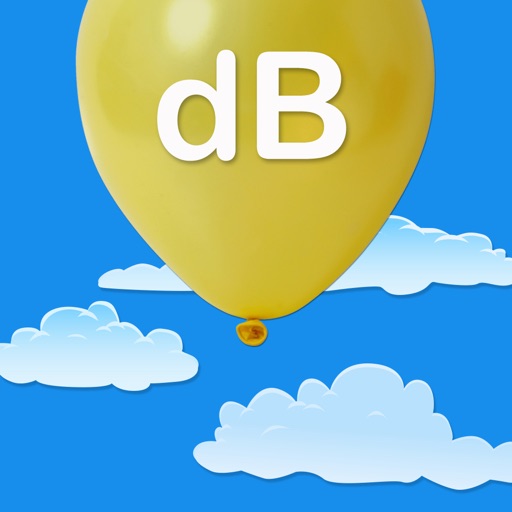
The app measures surrounding sound levels using the iPhone's microphone. Sound is displayed in decibels and visually as a balloon that changes size and color with the sound level.
The app allows users to measure angles and ratios from pictures. Users can adjust segments on an image to determine angles of body parts or inclinations.