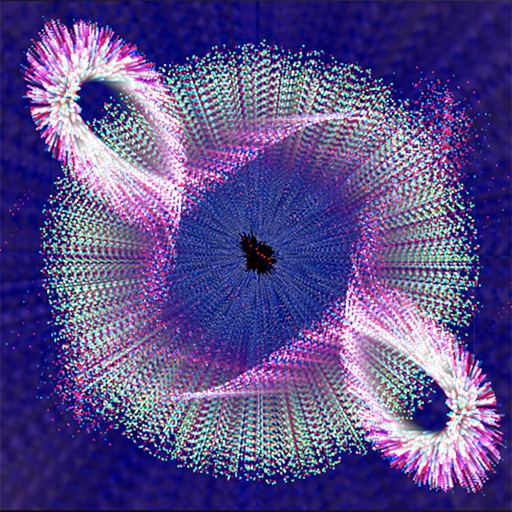
The app allows users to create interactive scenes with customizable orbs. Users can design scenes with physics, motion, and flowing colors, and interact with their creations.
by Pavel Doichev★ 4.85 ratingsEntertainment$1.99Data updated 2026-09-15
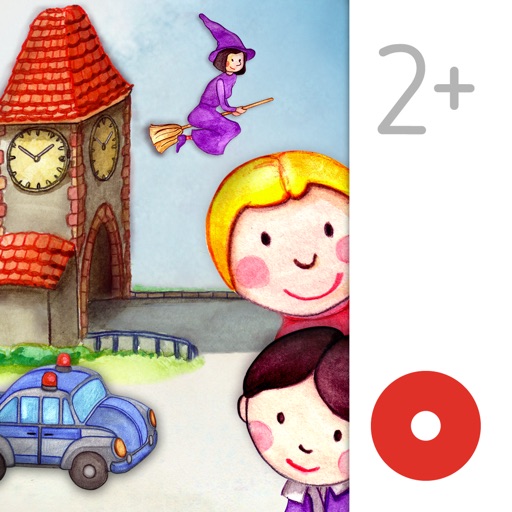
Read and interact with hand-drawn picture books featuring over 70 animated elements. Tap to trigger whimsical sounds and animations. Navigate through pages with a visible navigation bar. Explore interactive features that enhance storytelling.
Allows users to images featuring animals, mandalas, room interiors, nature scenes, cartoon characters, and portraits. Users can share completed artwork with friends and family.
With interactive backgrounds and colorable drawings. Children can solve and vegetable . Full version includes 20 and allows painting all figures. Lite version has 6 and enables all game features. Intuitive interface designed for kids.
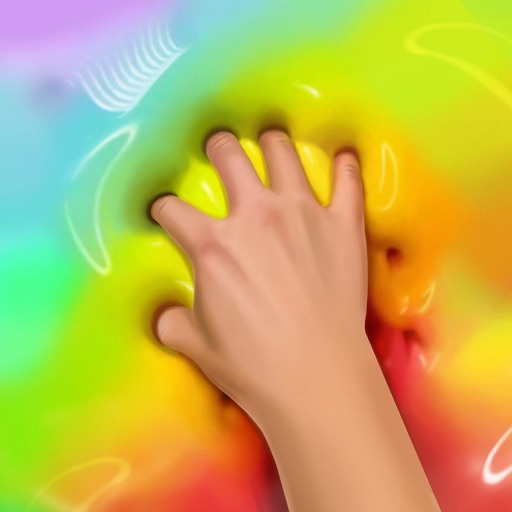
Create and customize by stretching, breaking, and drawing on the screen. Add 2D and 3D objects. Use touch gestures to interact with the . Apply various textures and effects. Earn in-game currency through play. Share creations with friends.
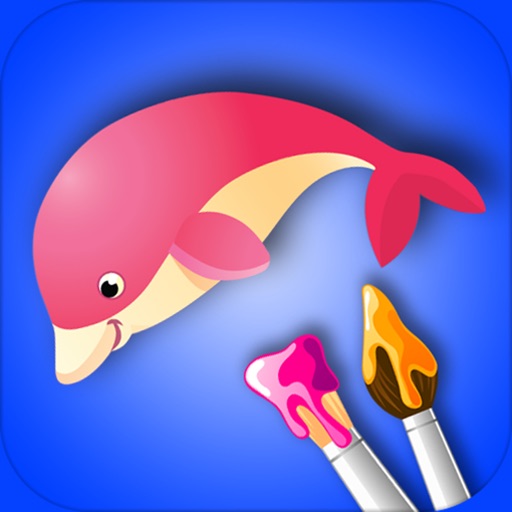
The app offers a digital coloring experience with over 120 free animal pictures. It features a stay-in-line brush, nine brushes for painting and drawing, and 50 pattern brushes for a unique coloring book and drawing pad.
Control motorized blinds, shades, and awnings via iOS device. Adjust settings for sunlight management. Create scenes to control multiple products. Manage up to 16 channels per interface. Connect to RTS motorized products remotely.
Create characters and explore interactive scenes with customizable avatars. Navigate through themed environments and complete tasks to unlock new content. Access themed worlds like birthday, wedding, and Christmas with weekly subscriptions.
Control and monitor smart devices remotely. Adjust settings, view device status, and receive notifications. Connect products to the internet quickly. Manage multiple devices through a centralized interface.
Create drawings using bright colors and various brushes, glows, hearts, dots, and stars. Paint and record your sessions to review your artwork. Access pro features via optional subscriptions.
Create art, share animations, connect with artists
Create and share art animations with an integrated online gallery and . Browse and interact with over 700,000 designs. Categorize and tag artwork with hashtags. Moderate and recommend animations using AI.
Create interactive visualizations using particle effects, waveforms, gravity simulations, and lightning patterns. Adjust colors, motion, and intensity. Save or share generated art.
LED lights from multiple brands like Philips Hue and Wyze. Adjust brightness, color, and lighting scenes. Create schedules and automate lighting based on time or motion. Sync devices for unified .
Create art by selecting colors and filling in grids. Choose from pre-designed artworks or design custom pieces. Save and share completed projects. Access a library of free art templates. Adjust color palettes and grid sizes for different projects.
Create realistic effects like car dents, window breaks, and crime scenes. Apply filters to photos to simulate . Share images on social media platforms such as Twitter and Facebook.
Record and edit videos with - effects. Adjust playback speed up to 240fps or down by 12x. Add freeze frames and highlight key moments. Choose from existing videos or record new ones. Export and share edited videos directly.
Create dynamic animations from static photos using AI technology. Add motion, expressions, and sound to bring images to life. Share photos with friends and family through social media or messaging apps.
Allows children to create art using finger slides and clicks. It includes stick figures, , and coloring features. Users can explore art materials, cartoons, and comics.
Control home appliances remotely from any location. Manage devices via Amazon Echo and Google Home. Log in with Gmail or other third-party accounts. Create scenes to control multiple devices with a single command.
Play with interactive flying stars that respond to touch and movement. Pull, push, and spin stars with gestures. Watch them bounce and fall using gravity and accelerometer. Sync stars to microphone input for rhythmic pulsing.