Organize and manage multiple portfolios with batch imports and cloud syncing. Use images, PDFs, and videos. Pinch to zoom and present on external displays. Lock content to prevent edits.
by Studio Heys Limited★ 4.4201 ratingsPhoto & VideoFreeData updated 2026-09-08
Create and edit PDF documents by adding text, notes, and drawings. Import images and PDFs from the file . Convert photos to PDF, duplicate, rename, and password protect files. Rearrange pages, search within PDFs, and share as PDF or image.
Compress videos to reduce file size without quality loss. Edit videos and photos with trimming, cropping, and filters. Batch compress multiple files at once. Save and share compressed videos directly.
Scan and recognize text from printed or handwritten documents. Convert scanned images into editable PDFs or Word files. Organize documents into folders and share them via email or cloud services. Edit text directly within scanned documents.
Resize images with precise control over dimensions and quality. Adjust DPI for print or digital use. Batch process multiple files at once. Rotate images for correct orientation or creative angles. Export in various formats.
The app provides real-time video preview for up to 16 channels. It supports PTZ control, zoom, preset activation, and snapshot functionality for managing up to 100 devices.
Capture and display real-time camera images and audio to external devices like projectors or TVs. Share still images from photo albums. Support wireless transfer to AirPlay-enabled devices.
Manage private files securely by importing and organizing images, videos, audio, and documents. Preview and edit media files. Export photos and videos to Photos or Files. Transfer files via WiFi. Share files with third-party apps.
Manage files with cloud storage access and network connectivity. View and edit documents, images, music, and videos. Compress or decompress files. Edit text and open/send files from other apps. Secure with passcode or Touch ID.
And undo in images using AI. Compare edited and original versions. View images in a single interface for detailed analysis. Change hairstyles and add layers. Add emotional expressions to images. No ads. Requires a face in the .
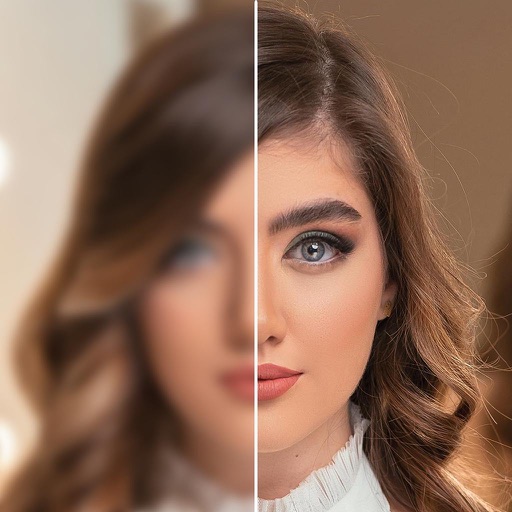
AI-powered enhancements improve image clarity and resolution. Batch processing allows multiple edits at once. Edit history tracks changes made to photos. Export options include various file formats.
Manage patient records with integrated treatment planning and history. Add notes and update conditions with single-click actions. Schedule appointments and access cloud-based data across devices.
Scan and store paper using your device's camera. Import and organize existing PDFs and images. Batch import multiple from folders. Manage categories and apply filters to sort and retrieve . Export in various formats.
Scan documents with high-quality image capture and auto-edge detection. Extract text using OCR technology. Save and organize files in folders. Share documents via email or cloud services. Add notes and tags for quick reference.
Convert images and documents to PDF using AI-powered OCR. multiple pages, merge or split files, and text directly. Save and share PDFs with precise formatting and clarity.
View and interact with 360° photos and videos using gyroscope controls. Edit spherical content, adjust settings, and share directly. Supports equirectangular files from various 360 cameras and stitched panoramas. Export and view on Apple TV.
The app allows users to wirelessly share, control, and mark up content on a Solstice-enabled display. It supports sharing device screens, videos, images, and web content with drag-and-drop layout control.
Open and read XPS and OpenXPS documents. Access document outlines, page thumbnails, and search text. Convert XPS and OXPS files to PDF. Share converted PDFs with any PDF viewer.
Repost images or videos to Instagram with added watermarks. Save repost history for quick access. Select media files and apply custom watermarks before sharing.