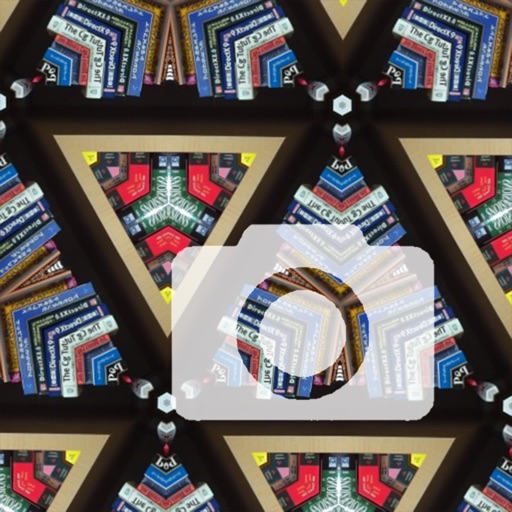
The app adds a kaleidoscope effect to the iPhone camera, creating unique pictures. Users can save and share their creations, making it a tool for wallpapers.
by Computer Creators, Inc.★ 5.01 ratingsPhoto & VideoFreeData updated 2026-09-15
View live video streams from home security cameras. Rotate cameras to desired angles with a tap. Set up to three panoramic navigation views for specific directions. Watch, listen, and communicate remotely via mobile devices.
Create animated swirling patterns and kaleidoscope artworks. Select from various brush styles and color palettes. Adjust speed and symmetry settings. Save and share generated artwork. Relax through interactive, meditative visuals.
Create memes by selecting images from your camera roll or camera. Resize and reposition background images and the logo. Share memes via Facebook Messenger, Instagram, Twitter, iMessage, WhatsApp, and other platforms.
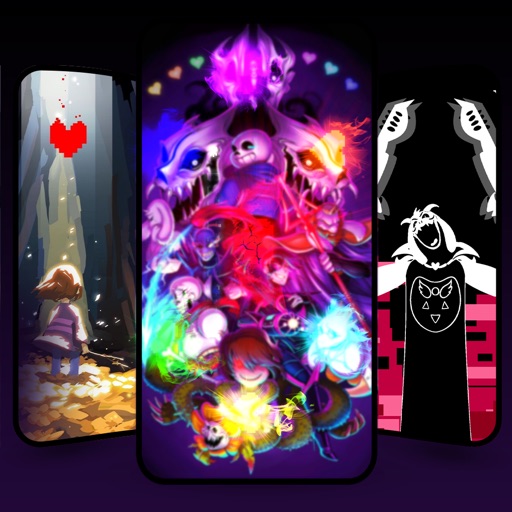
Set wallpapers and lock screen images from a collection of fantasy Undertale-themed backgrounds. Preview images on your device before setting. All wallpapers are available for free without needing to download. Customize to fit your screen.
Apply filters and accessories like mustaches, glasses, and hats to photos of faces. Edit images to transform looks of people or pets. Save edited images to the album. Share edited photos with friends.
Explore a large collection of popular and manga wallpapers. Save favorites for easy access. Customize wallpapers with filters. Share wallpapers to camera roll. Supports both portrait and landscape orientations on iPads.
Store and organize media with password protection and encryption. Create secure storage areas for images and videos. Use SnoopStopper™ and decoy safes to deter unauthorized access.
Edit photos by flipping, rotating, cropping, and applying filters. Use AI to suggest optimal filters. Flip images live during camera use. Batch edit multiple photos and save directly to the library.
The app provides selected Christmas wallpapers and backgrounds for iOS devices. It features a user-friendly interface, quick navigation, and a slideshow option for viewing images.
Edit photos with auto enhancement, artistic sketches, beautiful paintings, and funny cartoons. Apply 700+ filters and . Add frames and stickers. Share edited photos directly.
Arthur Eduardo Skaetta Alvarez Desenvolvimento de Software LTDA.
Convert videos to Photos
Convert videos or image sequences into Photos for use as dynamic wallpapers. Select videos or up to 10 photos from the camera roll. Create Photos without an internet connection. Apply motion effects to enhance visual appeal.
Merge faces to create humorous mixed images with friends, family, or celebrities. Adjust facial features and proportions. Share results via email, MMS, Facebook, or Twitter. Use preloaded example pictures or upload photos.
Create photos with customizable like Fat, Pinch, and Hue. Mix to create unique combinations such as Hulk or Alien. Apply filters, adjust colors, and save or share edited photos.
Apply to lock screen by saving them to Camera Roll and setting as wallpaper. Features include dynamic HD animations, optimized for Super Retina displays, and content created by professional designers.