Solve problems by inputting two angles and one side. Calculate missing angles and sides. Handle cases with two sides and one angle or three sides. Provide step-by-step solutions and formulas.
by William Jockusch★ 4.231 ratingsEducationFreeData updated 2026-09-08
Allows users to debate on selected topics. They can record opening statements for both sides. The provides AI analysis and feedback. Users can share on social media and YouTube using the hashtag #.
The app offers 130 picture puzzles for children aged two and up, covering shapes across three difficulty levels. Additional puzzle stages for older children are available via in-app purchase, and a two-player mode allows family members to race.
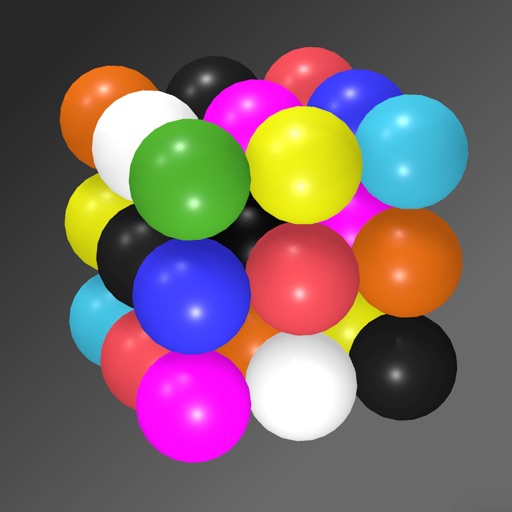
Solve puzzles by arranging colored spheres on a 3D cube. Each side has a 3x3 grid with nine unique colors. Rotate and tilt the phone to manipulate the cube. Complete levels by ensuring all colors appear once per side.
The app calculates geometric forms and bodies including triangles, circles, rectangles, cones, cuboids, and cylinders. Users can view calculation steps and draw figures with calculated values.
The app calculates the Greatest Common Factor/Divisor and Least Common Multiple for two to four integers. It also finds prime factorization and lists common factors.
Calculate parameters such as time, distance, and fuel consumption. Adjust wind direction and speed for accurate wind correction. Use the E6B calculator for fuel planning and navigation. Visualize and manipulate dials and scales for precise planning.
Solve problems by adding, subtracting, multiplying, and dividing fractions. Support for mixed numbers and improper fractions. Visual representations aid understanding. Step-by-step explanations guide solutions. Automatically simplify fractions.
Solve with interactive game-based activities. Choose from whole number operations, fractions, decimals, multi-step , and ratios. Track progress and receive instant feedback on answers.
Manage kindergarten admissions with automated forms and document storage. Track attendance and generate reports. Share updates with parents via messages and notifications. Organize schedules and manage staff tasks.
Find classroom locations by entering room numbers. View building names and floor details. Navigate using two routing options. Get step-by-step directions within the .
Solve problems with step-by-step explanations. Handle algebra, geometry, trigonometry, and calculus. Input equations or scan handwritten problems. Get instant solutions and detailed breakdowns. Sync across devices for continued learning.
Practice with over 1510 questions and 151 revision notes covering Algebra, Geometry, Data Analysis, and Number & Operations. Take mock tests with mixed questions. Review detailed solutions and notes for each topic.
Percentages by entering two of three variables. Use a modified key layout to input values. Store calculations in a history log. View detailed solutions with step-by-step explanations. Support for fractions, decimals, and constants.