Access your desktop computer remotely to run games, play videos, and listen to music. Stream HD audio and 4K video in real-time. Control your computer's applications and files from your mobile device.
by Splashtop Inc.★ 4.74,064 ratingsBusinessFreeData updated 2026-09-08
The app provides fire alarm network annunciation access via a mobile device. It allows viewing status conditions and performing limited control functions for system testing.
Access Windows applications remotely from iOS devices. Run apps as if they were local, retaining full functionality. Connect to hosts to launch and interact with desktop programs.
View account balances and transaction history. Transfer funds between accounts. Pay bills directly from the . Deposit checks using remote capture. Activate or deactivate the debit card. Find nearby branches or ATMs.
The app captures the Mac screen and creates an HTTP video server. Other computers and devices can connect via WiFi or Ethernet to view the screen in real time.
The app provides remote access and control for computers and internet-enabled devices. It offers central administration of authentication and authorization for consistent connectivity across platforms.
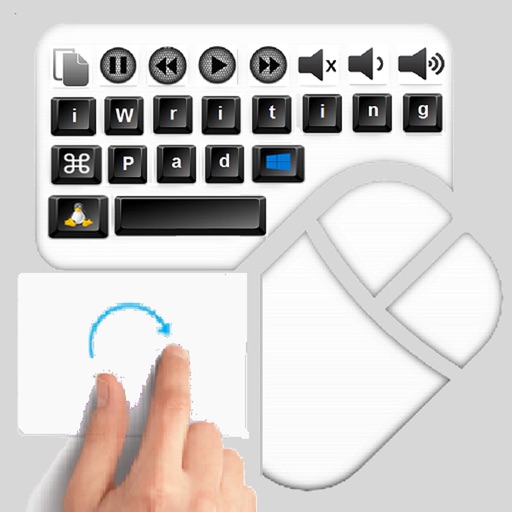
The app provides an iPad user experience on computers. It allows users to control PCs using touch gestures as a remote mouse and handwriting recognition keyboard.
The app makes all files from computers instantly accessible on a mobile device. It organizes files by type and date, and offers keyword search and custom tags for easy retrieval from any location.
BERKHAN AGAR SITOPLAZMA BILIM VE TEKNOLOJI ARASTIRMA MERKEZI
Tasks and sync across devices
Add to-dos using phone, tablet, or computer. Set due dates and reminders. Organize tasks with tags. Sync across devices for access anywhere. Free to download and use.
Convert iPad or iPod Touch/iPhone into a countdown timer for live events. Display fullscreen countdown on external screens via HDMI or AirPlay. Send messages downstage. Customize text and background colors for different segments.
Computers on local networks or the internet. Initiate sleep, shutdown, or reboot remotely. Add devices by entering MAC addresses. Scan connected devices on the local network.
Access BOS machines remotely from iOS devices. View and control machine status in real time. Monitor performance metrics and receive alerts. Manage multiple locations from a single interface. Perform maintenance actions and track usage data.
Use your iPhone to control on a Mac. Change slides in Keynote or PowerPoint. Draw remotely with color and tool options. Clear the screen by swiping left. Access flashlight by swiping right. Repeat last drawing action. Enable typing.
Create and manage Sharespaces as virtual hard drives to store and organize files. Copy, move, delete, rename, and categorize documents. Share files with other apps, devices, or cloud services via supported protocols.