The app provides a multi-device collaboration tool for capturing and sharing creative ideas. Users can add notes, arrange them on a canvas, assign colors, and draw to organize thoughts and show relationships between concepts.
by Erik Loehfelm★ 3.725 ratingsEducationFreeData updated 2026-09-15
Access class schedules, financial aid, Canvas, registration, DegreeWorks, email, and work orders. Receive notifications and announcements. Connect with instructors, services, and classmates. Track personal to-dos and view personalized resources.
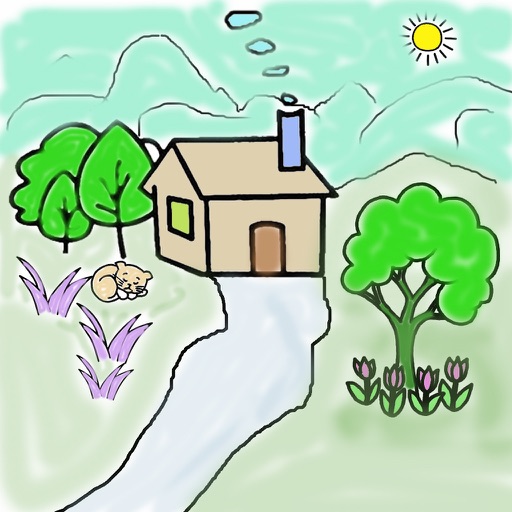
Allows users to pre-drawn images. Select colors from a palette and apply them to specific areas. Save and share completed drawings. Includes educational elements about colors and facts.
Capture and edit images on-site with real-time adjustments. Manage project details, organize files, and annotate images directly. Share edited content via email or cloud storage. Track project progress with customizable timelines and notes.
Capture photos and notes on-site. Create and send professional PDF reports. Organize and share project data. Track progress with customizable templates. Sync reports across devices. Export data in multiple formats.
Capture ideas in a single continuous draft with text, drawings, or formatting. Organize intuitively, search easily, customize fonts, collaborate, set reminders, and sync across devices.
Manage team goals and track performance data visually. Assign and follow up on tasks. Share knowledge and ideas. Compete in teams. Make data-driven decisions. Collaborate across distributed teams.
Create diagrams to organize ideas and tasks. Add notes, link concepts, and break down projects into subtasks. Export maps as images or text files. Sync across devices for seamless access.
Organize into folders and set reminders and due dates. Add notes, priority, and flags to to-dos. Assign resources, track progress, and share with others. Capture to-dos easily and use dark mode for better visibility.