Activates the iPhone's instantly. Turns on automatically when launched. Provides bright illumination for dark environments. Allows manual control of brightness and timer settings. Supports night vision mode for low-light situations.
by Alexandre Morcos★ 4.75,877 ratingsUtilitiesFreeData updated 2026-09-08
The app allows users to set multiple alarms with different tones for various events. Users can activate or deactivate alarms, set multiple events on the same date, and schedule repeating alarms weekly or monthly.
Learn iPhone through an interactive that mirrors key screens with quick tips and live demos. Practice adjusting brightness, sound, and haptics without affecting the real system.
Track books in progress, to read, or finished. Log reading time for each book. View progress stats and estimated time to finish. Supports dark mode for better visibility.
The app displays SafeZone alerts on a map for real-time incident response coordination. It shares and shows team member locations for effective response planning.
The app helps prevent devices or valuable items from being lost. It displays device name, signal strength, and battery level for Bluetooth 4 Smart devices.
Monitors driving behavior and provides feedback during trips. Automatically starts when the vehicle is in motion. Tracks trip history and displays driving events on a map. Offers insights and improvement tips.
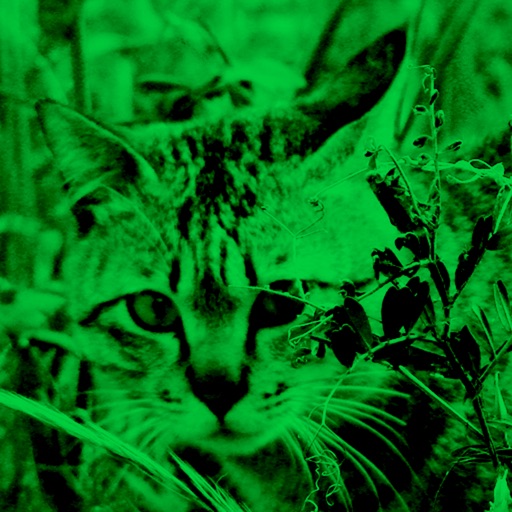
Enhance low-light photos with increased light intake and 8x zoom. Apply thermal imaging, green mode, and binoculars effects. Adjust brightness and contrast for clearer images in dark conditions. Share edited photos directly.
Decode QR codes and barcodes by pointing the camera at them. Scan texts, links, contacts, emails, and locations. Create custom QR codes. Manage scan history, save important data, and search through past scans.
Control music playback, adjust volume, and manage equalizer settings. Change light modes, brightness, and flash settings. Access USB/SD card and FM functionality. Manage line-in input and control speaker settings remotely.
The app provides a flashlight function using the device's camera flash or a white screen. Users can control the light with a sliding switch or touch button, and disable auto-lock for continuous use.