The app allows users to draw geometric shapes, color drawings, and retouch photos. Users can share their creations with friends using different drawing tools and colors.
by ICI Solutions★ 3.821 ratingsProductivityFreeData updated 2026-09-14
Allows users to draw freely within borders, fill areas with chosen colors, and erase parts. Save, share, and print artwork. Adjust background music or use personal tracks. Features a simple, intuitive interface.
Teach children to identify through interactive activities. Match to objects and animals. Practice color names in English. Create drawings using color tools. Learn to associate with different items.
Learn to characters using augmented reality guidance. Follow step-by-step tutorials to sketch facial features, body proportions, and expressions. Use AR overlays to visualize and refine your drawings in real time.
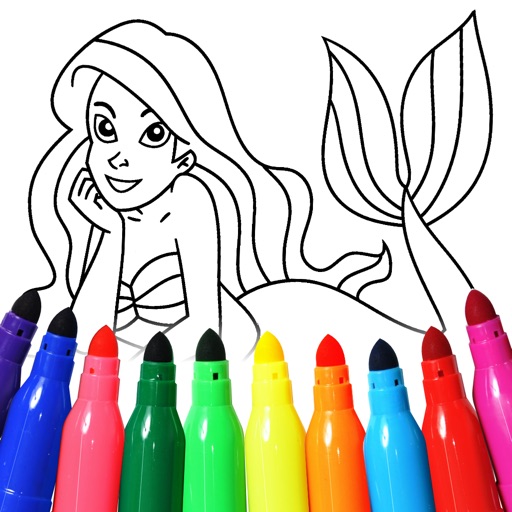
Allow users to create and customize mermaid illustrations. Users can select from 300+ pre-designed , add stickers and text, apply special effects like glitter, and save their work. Free drawing mode enables custom artwork.
Allows children to color and draw using a variety of templates and tools. Features include adjustable brush sizes, color palettes, and undo functions. Users can save and share artwork.
Detailed artwork with customizable brushes and specialized toolsets for sketching, painting, and doodling. Access advanced AI features to enhance creative workflows. Export and share finished projects directly.
Create intricate designs, patterns, and mandalas using intuitive drawing tools. Use a single stroke to generate complex artwork. Access a variety of brushes and color options. Save and share creations directly.
Create and share digital art with coloring pages, art games, and tracing tools. Design in 3D and display creations in a personal digital museum. Collaborate on drawings with friends and family.
Learn to draw with -by- tutorials and AI guidance. Use your phone's camera as a projector to trace and practice. Access drawing lessons for all skill levels, from beginner to advanced.
Create vector art using Bézier tools and Apple Pencil. Convert sketches or photos to SVG format. logos, icons, illustrations, and UI assets. Export vector files for production use. Refine curves and edit vector drawings directly.
Allows users to trace images from photos or built-in libraries. Features include applying filters to enhance accuracy, selecting and adjusting images, and creating one-of-a-kind drawings on paper.
Binky allows children to color pages with touch and drawing tools. Features include color selection, erasing, and saving artwork. Includes 150+ themed pages to develop fine motor skills and hand-eye coordination.
Create and edit drawings using a variety of brushes and colors. Import images for reference. Save and share artwork. Access tutorials and tools for beginners and artists.
Create drawings using colors and effects. Select from animated characters and scenes. Add stickers and animations. Save and share creations. Explore themed pages featuring animals, unicorns, desserts, and kawaii characters.
The app introduces numbers one through ten and teaches elementary counting. Children follow instructions to draw characters and count them, with animated drawings coming to life.
Create digital art using tools like paper, brushes, pencils, pens, and markers. Adjust brush pressure and opacity. Layer artwork and apply textures. Export in various formats and share directly.
Create anime-style drawings with step-by-step tutorials. Learn to characters and scenes through guided lessons. Export sketches and access printable templates for practice. Share artwork directly from the .
Take notes with customizable ink styles and pressure-sensitive strokes. Choose from various pen tools and colors. Record and sync audio with writing. Draw precise shapes and lines. Share notes directly.
Book offers 60 illustrations for , including princesses, unicorns, cats, mermaids, fairies, and beauty items. Users can select colors, erase mistakes, and save completed pages. Share finished artwork via social media.