Adjust brightness, customize colors, set background
Adjust screen brightness to control illumination. Choose from customizable background colors or static/dynamic images for the . Use flash for quick illumination. Set brightness levels and background preferences manually.
Capture photos using Auto, Manual, RAW, Slow Shutter, and Macro modes. Apply built-in filters and adjust brightness, contrast, and saturation. Edit images with cropping, straightening, and exposure tools.
Capture photos and videos with a Glitter effect for enhanced visual appeal. Edit media from the gallery. Create kirakiragraphs from still images. Swipe left or right to navigate.
Allows users to view their reflection using the front camera. They can freeze the image for closer inspection, pinch to zoom in on details, flip the image to see themselves as others do. Users can save photos taken through the .
The app provides a digital magnifier with a flashlight for viewing small text and objects. It offers up to 12x magnification and can also function as a cosmetic mirror using the front-facing camera.
Controls a feature that projects soft, adjustable lighting onto walls and ceilings. Plays customizable calming sounds to aid relaxation. Allows users to set sleep schedules and adjust brightness levels.
The app offers professional editing tools, beauty enhancements, and special effects. Users can apply stickers, create classic collages, and design fashionable posters with InstaMag.
A retro simulates low-resolution image capture with vintage artifacts like bayer filter patterns, noise, and blooming. Users can pinch to zoom, adjust exposure, and export photos in JPEG format.
Use AI to capture long exposure photos. Remove crowds, create light trails, and enhance waterfalls. Adjust exposure settings automatically. Preview and edit images with advanced tools. Share final photos directly.
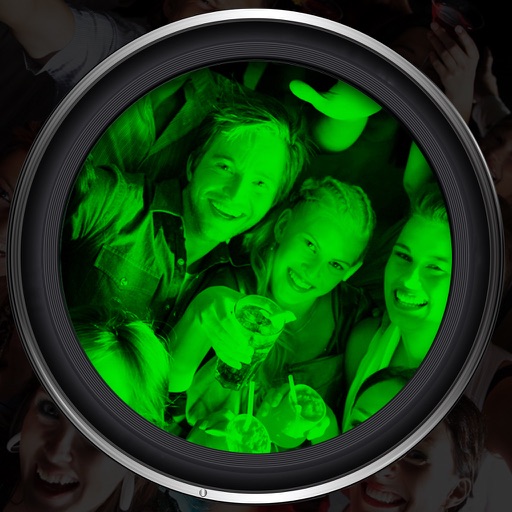
Detect cameras and listening devices in any space using a security scanner. Scan objects like remotes, TVs, and backpacks for suspicious items. Follow step-by-step guides for thorough checks. Enable night vision mode for low-light detection.
The app transforms an iPhone or iPad into a full-screen lighted magnifying glass. It offers features like light level control, image capture, and auto-focus lock.
Edit photos by applying 100+ textures with brush tools. Adjust effects using opacity and blend modes. Retouch with an eraser. Add sparkles and other decorative elements. Save edits or share directly to social media.
Record video and photos with manual controls for exposure, focus, and white balance. Use advanced editing tools with 200+ professional filters. Adjust settings for low-light performance. Share directly via iMessage or social media.
Captures high-quality photos in low-light conditions with manual exposure settings up to 1 second. It includes separate controls for residual light and ISO enhancement. Users can adjust focus, white balance, and exposure compensation.
The app functions as a magnifying glass using the device's camera to display a magnified image. Users can adjust the zoom factor up to x4 and utilize the camera flash as a flashlight for improved visibility.