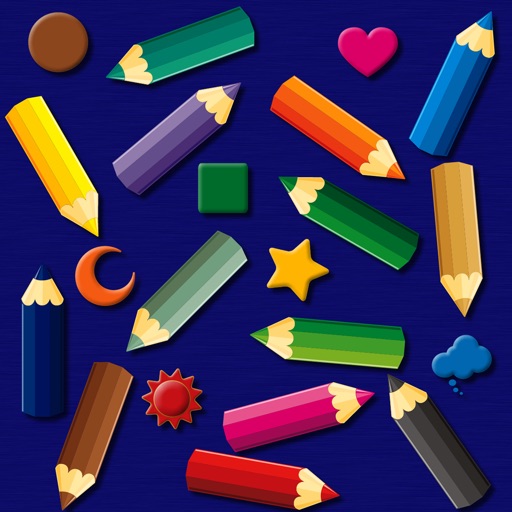
The app provides a simulated magnet board with 14 color pencils and 9 icons. Pictures can be erased by sliding a bar and saved to the photo library on iPad.
by bismark LLC★ 0.00 ratingsEducation$1.99Data updated 2026-09-14
Create sketches by selecting images from a library, camera roll, or camera. Adjust image display with pinch, pan, and rotate gestures. Overlay images in real time. Save drawings automatically and review progress over time.
The app offers 54 coloring pages featuring animals and creatures. It includes three coloring modes: smart, fill, and normal, with a user interface designed for simplicity and immediate transitions.
The app offers 54 coloring pages featuring animals and creatures. It includes three coloring modes: smart, fill, and normal, with a user interface designed for simplicity and immediate transitions.
The app offers 54 coloring pages featuring animals and creatures. It includes three coloring modes: smart, fill, and normal, with a user interface designed for simplicity and immediate transitions.
The app offers 54 coloring pages with animals and creatures. It includes three coloring modes: smart, fill, and normal, with a user interface that has no extra features.
The app practices language and auditory processing at the sentence level. It offers three difficulty levels to help users attach meaning to words and form mental pictures.
The app allows users to apply an iOS8 blurred effect to pictures. Users can get a photo from the Camera Roll or take a new one, apply the filter, and then save or share it.
The app teaches children the alphabet through painting letters and animals. Users can select English, German, or Spanish alphabets, with each letter having its own tab for tracing uppercase and lowercase forms.
Record and edit videos with real-time effects including color meter, rainbow color, slow motion, pixel sub-sampling, and scrolling words. Save images and videos to the photo library.