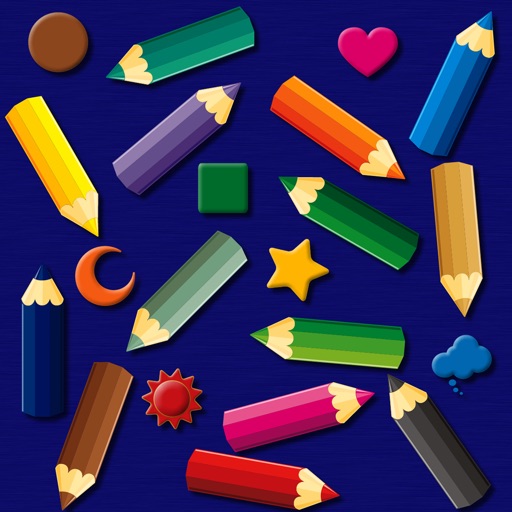
The app provides a simulated magnet board with 14 color pencils and 9 icons. Pictures can be erased by sliding a bar and saved to the photo library on iPad.
by bismark LLC★ 0.00 ratingsEducation$1.99Data updated 2026-09-14
The app provides a 3D pixel editing experience for creating sculptures, icons, and game levels. It offers tools for users of all ages, including layering and keyframe animation for more complex creations.
Avoid a sliding blade by quickly moving fingers off the screen. Record scores to compete with others. Track progress and challenge friends in concentration-based gameplay.
Measure leaf surface area with high accuracy using a mobile device. Log measurements and export data as CSV. Share files via AirDrop, email, or other methods. Requires a white background with reference markers.
Pages can be tapped to fill with colors. Users can select from multiple color options and save completed artwork. Additional pages are unlocked through in- purchases.
The app offers 54 coloring pages featuring animals and creatures. It includes three coloring modes: smart, fill, and normal, with a user interface designed for simplicity and immediate transitions.
The app offers a child-friendly puzzle experience with animal illustrations. It was developed by educators and can be adjusted for individual difficulty levels, promoting motor skills and logical thinking.
The app simulates light from a candle using scientifically based equations. It plays music from the user's library, suitable for romantic dinners or relaxation.
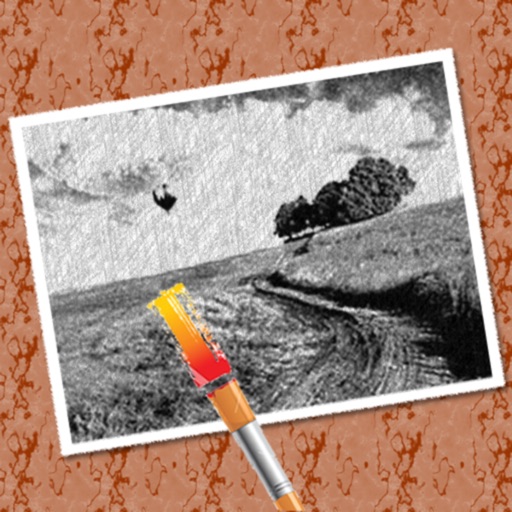
The app converts photos into pencil sketches for coloring. Users can import pictures from photo albums, the camera, or Flickr, and color them using touch controls.