The app replaces paper grading calculators with a flexible and convenient tool. It can be configured for hundreds of questions and displays grades as whole numbers or with one decimal place, showing the number correct, wrong, or both.
by Dryrain Technologies LLC★ 4.948,850 ratingsEducationFreeData updated 2026-09-14
The app provides parents with student information, including classwork, grades, and schedules. Parents can access attendance, report cards, and school notifications through easy-to-view icons.
Calculate GPA using the quartile system of Jordanian universities. Track semester grades and accumulated credit hours. Set academic goals and predict GPA improvements. Capture and apply photo filters for academic records.
Use iPhone as a connected via USB to mirror Mac screen. Draw with Wacom stylus and 3D Touch. Control canvas with touch gestures for zoom, scroll, undo, and redo. Connect securely for real-time screen mirroring.
Scan cards or TCG cards to get instant analysis. View detailed breakdowns of centering, edges, surface, and corners. Compare grades to professional standards. Save and share results directly.
Ace offers challenges for 2nd graders to practice addition, subtraction, time, money, geometry, and equations. Players earn medals, level up their jetpack, and progress through dynamic, minute-long activities aligned with Common Core standards.
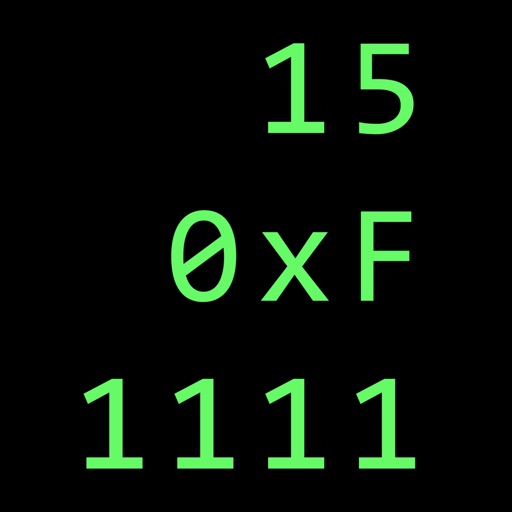
Calculate in binary, hex, and decimal simultaneously
Convert numbers between binary, hexadecimal, and decimal bases. Display all three bases simultaneously. Switch input modes and see results in all bases. Perform arithmetic, logic, and bitwise operations. Support unsigned and 2’s complement numbers.
Convert currencies between (EUR) and US (USD) using real-time exchange rates. Choose the number of decimal places for precision. Perform quick conversions without additional steps.
Calculate GPA by adding grades and credits with two taps. Remove grades by swiping or tapping. Clear all grades by holding. Track academic performance with simple, intuitive controls.
The app supports teaching and learning by elevating instruction, practice, feedback, and assessment. It allows users to assign, collect, and review student work using built-in tools or compatible apps, providing rich feedback through annotations.
The app provides parents with mobile access to their child's academic information, including grades, attendance, and homework. It also shares school announcements, alerts, and a combined calendar to connect families with their child's school.
Practice whole numbers and decimals to specified place values. Customize the number of problems and difficulty settings. Track progress and play repeatedly to improve skills.
Kids draw animals by placing their device on paper and tracing outlines. Select animal faces from the alphabet menu to learn letters. Draw body parts following on-screen instructions. Combine digital and physical interaction for creative learning.
Add, subtract, multiply, and divide numbers up to five decimal places. Maintain a running total and view a scrollable . Copy or paste numbers by touching and holding the display area.
Measure with precise tools to ensure accurate grading. Compare alignment to PSA, BGS, CGC, SGC, TAG, and ACE standards. Adjust and save positions for consistent evaluation. Export measurements and track grading progress.
The app provides a fast and simple method for calculating percentages and letter grades. Users can score tests and assignments by entering the total number of questions and customize results by adjusting decimal places.
Access learning materials and take tests directly within the . Review lessons, practice exercises, and track progress. Offline access allows learning without internet.
The app exports SMS and iMessages from an iPhone or iPad to a PC or Mac. Users can save and print messages in various file formats including Excel, HTML, CSV, TXT, or EML.