The app provides fingering positions for Violin, Viola, Cello, and Double Bass, including double stops. It displays finger tapes, string names, and supports multiple clefs and key signatures.
by Patrick Kelly★ 4.123 ratingsMusic$3.99Data updated 2026-09-14
Create and manipulate music using virtual tape loops. Load and play 90 preloaded tapes, including 65 from Streetly's Production Masters. Adjust pitch, tempo, and effects. Export audio files and share directly.
Practice ear tests for RCM Grades with audio exercises and mock exams. Identify notes, intervals, and rhythms. Track progress and review answers. Supports 12 instruments and includes over 1,600 questions.
Explore chord diagrams for all music instruments. Select a key, chord type, and addition to view possible chord variations. Adjust settings to customize display options. Save and share chord progressions.
Learn musical notes by associating them with colors and vibrations. Practice identifying pitches through synesthetic feedback. Track progress and receive guidance to improve recognition without a reference tone.
Learn melodies and chords from 16,000 classical pieces. Play with tempo and pitch adjustments. Access smart score scrolling during playback. Share performances. Connect via keyboard using USB adapter.
Tune strings by selecting notes and adjusting tuning pegs. Provides visual feedback for accurate pitch. Guides users through standard DAA tuning for beginners. Supports finger placement practice for improved playing.
Learn to identify musical notes, rhythms, and accents through interactive exercises. Match heard melodies on a virtual piano keyboard. Progress from simple one- or two-note phrases to complex musical patterns.
Play with a full 88-key keyboard and haptic feedback. Use multi-touch for chords and dynamics. Access 50+ instrument tones. Learn through interactive practice. Control via widgets without launching the .
Tune instruments with adjustable A4 frequency settings and precise 10-cent tuning increments. Display pitch accuracy with a green arrow and white indicator.
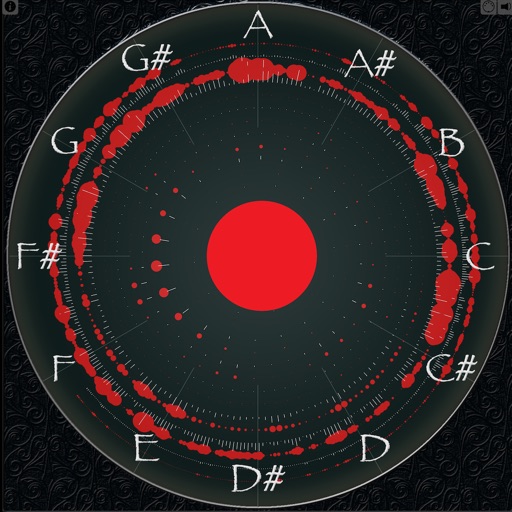
Displays sound frequencies using a Fast Fourier transform. Users can visualize incoming sound as individual sine waves. The shows frequency spectrum displays to analyze audio components.
Practice on by matching finger positions to notes in the key of C. View music notation in sheet music format. Track progress and receive feedback on accuracy. No ads or in- purchases.