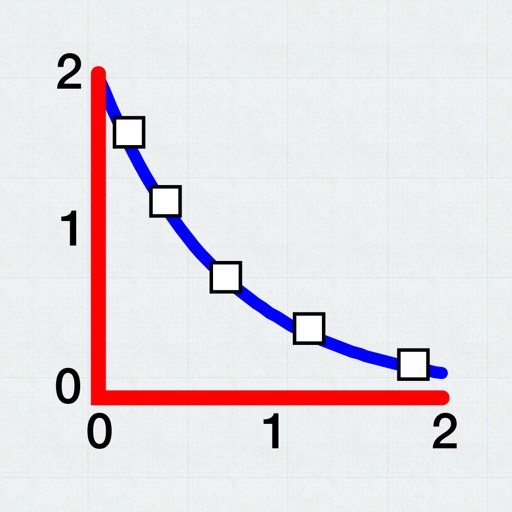
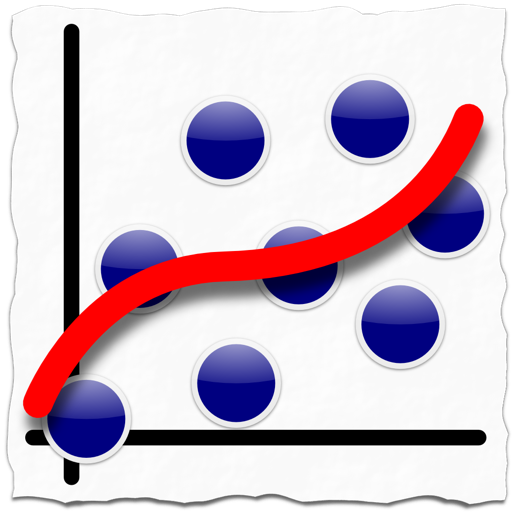
Allows users to plot and fit x, y data pairs. It supports curve fitting, value prediction, and kinetic data analysis. Data can be entered manually or imported from text or CSV files. Users can perform statistical analysis and generate graphs.
by Evan Kantrowitz★ 4.1106 ratingsProductivityFreeData updated 2026-09-08
Allows users to take photos of math problems and receive step-by-step solutions. It can plot graphs of equations. Users can chat with an AI tutor for homework and assignment .
Allows plotting of polar, cartesian, and parametric equations with unlimited expressions. Users can add sliders for function transformations, create tables for data input, and animate graphs.
Measure intensity in lux and exposure values. Adjust settings for manual or film photography. Check lighting conditions for home, work, or greenhouse spaces. Save and share measurement data.
Perform complex number calculations and trigonometric functions. Handle matrix operations and numerical root finding. Calculate integrals and statistical values including linear regression. Write and execute custom programs. No ads or in- purchases.
Perform complex calculations with scientific, financial, and unit conversion tools. Access 10 financial worksheets for budgeting and planning. Switch between landscape and portrait modes. Save and export calculation results.
SFX- performs basic arithmetic operations and allows calculations with a fixed constant. It includes non-volatile and volatile memory storage. It supports fraction and percentage calculations, linear regression, and statistical functions.
Solve equations and perform algebraic manipulations. Graph functions and analyze data. Enter and analyze statistical models. Calculate derivatives and integrals. Export results and share solutions.
Track items with manual entry and editing. Monitor count changes over time using a graph. Export data as CSV for external reporting. Filter time series data on the graph.
Play fit by filling in a grid with given words. Select from easy to hard difficulty levels. Solve by matching lengths and positions. Track progress and revisit completed .
Access free introductory lessons on concepts and management. Enroll in MBA or Executive MBA programs. Track progress through structured coursework. Connect with peers and alumni for networking. Receive career guidance and support resources.
Perform complex calculations using RPN and CAS. Run custom programs and modules. Print or plot results via thermal printer. Import/export data in various formats. Access keyboard overlays and iOS features for enhanced functionality.
The app offers tools for studying homework, including graphical curve sketching, solving various equation types like exponential and trigonometric, and simplifying fractions. It also handles integrals, polynomials, and systems of equations.
Perform complex calculations using RPN entry system. Access hyperbolic and inverse hyperbolic trig functions. Calculate probability, factorials, and percentages. Support absolute, integer, and fractional values. Generate random numbers.
Create and test mathematical algorithms with a powerful computational engine. Build interactive plots and animations. Execute code and view results in real-time. Share calculations and export data in multiple formats.
Solve problems with step-by-step explanations. Generate 2-D and 3-D visualizations. Perform algebra, calculus, and integration calculations. Take a picture of equations for input. Export solutions and graphs.
GEDprep AI Tutor offers personalized study plans based on user progress. Users can take tests, receive instant feedback, and review detailed explanations.
Access multiple AI models from Anthropic, OpenAI, Google, and others. Switch between models to compare results. Customize prompts and settings for detailed control. with AI engines directly within the .