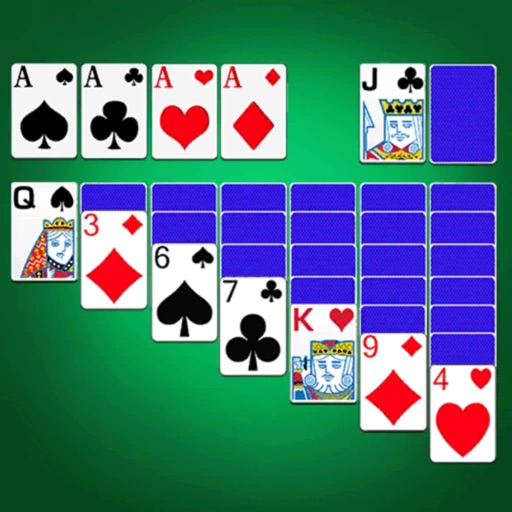
Play with multiple difficulty levels and holiday-themed decks. Move cards between tableau piles, build sequences in descending order, and clear foundations. Undo moves, save games, and adjust card animations.
by EdgeRift, Inc.★ 4.71,166 ratingsGames$4.99Data updated 2026-09-08
Play four variants: Klondike, Spider, Freecell, and Pyramid. Customize game settings and themes. Adjust difficulty levels and card animations. Track game progress and save multiple sessions. Share scores and compete online.
Arrange cards to match numbers. Swipe cards to position them correctly. Only kings go in the center pile. Win by placing all cards. Lose if four kings are placed before completion.
The app provides a Klondike solitaire experience with clear cards and fluid animations. It includes features like hints, winnable game selection, and Game Center score comparisons.
The app offers over 100 solitaire games, including Klondike, FreeCell, and Spider. It features natural card animations, online leaderboards, and customizable decks and backgrounds.
Play with drag-and-drop or single tap controls. Move between tableau piles, use 4 free cells to build sequences, and move to the foundation. Access unlimited hints and undo moves. Clear all to win.
Play card puzzles to cards of the same value and score points. Use bonus combos, wild cards, and card bombs for higher scores. Compete against players globally in real-time matches. Earn cash prizes based on leaderboard rankings.
Play Classic Spider on iPhone or iPad. Sort cards by suit and rank. Use hints for difficult moves. Adjust difficulty settings. Enable right-handed mode. Invite friends via Game Center and view leaderboards.
Play with large cards and bold fonts for easy viewing. Follow classic Klondike rules with single or triple draws. Build an aquarium by unlocking sea creatures through gameplay. Adjust game settings for personalized difficulty.
Play Freecell with classic card game mechanics. Move cards between tableau piles, build sequences in descending order, and transfer cards to foundation piles. Use drag-and-drop controls to rearrange cards. Track progress and replay previous games.
Play with traditional Klondike rules. Use smooth card animations and intuitive controls. Enable auto-move for faster gameplay. Access an intelligent hint system. Switch to left-hand mode for comfort.
Play by rearranging cards in the tableau to build sequences down by rank and suit. Remove cards from the table by completing valid moves. Track statistics and adjust game settings to customize gameplay.