Create and paint on a virtual chalkboard with realistic drawing tools and sound recording. Share drawings via email or Bluetooth. Export paintings for later review or use.
by conol, Inc.★ 4.342 ratingsEducationFreeData updated 2026-09-08
Draw with a brush that adjusts width based on finger movement speed. Create Japanese calligraphy or watercolor paintings. Select or capture background images. Save or export drawings to other apps.
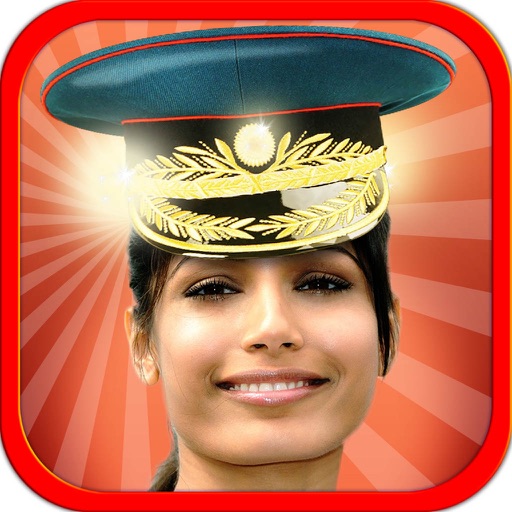
The app allows users to alter their appearance in photos by adding hats, caps, hairstyles, mustaches, or glasses. Users can select images from their camera or gallery to experiment with different looks and share their creations.
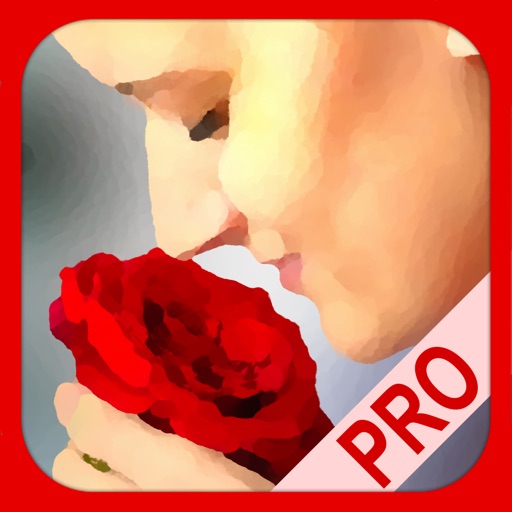
The app transforms user photos into oil paintings with a brush and oil color effect. Users can apply the oil filter to images and share them on social media or save them.
The app provides sketches for coloring and a blank page for original designs. It offers 14 colors and 5 brush sizes to encourage creativity and hand-brain coordination in children.
Apply photo effects to enhance images. Add stickers, text, and frames. Choose from various artistic styles including pixel bleeding effects. Edit and share modified photos directly.
Watch drills in animated 2D and 3D formats. Listen to audio commentary while viewing animations. View drills from any player's perspective. Play video and picture files. Import and view shared packages containing animations, pictures, or videos.
The app presents over 360 pictures of VIPs across 18 levels for users to identify. It includes a scoring system based on correct guesses and penalties for errors, along with a hint system that costs points.
The app allows users to create finger paintings with adjustable opacity and brush sizes. Users can mix custom colors, utilize a palette of 10 colors, and an eraser.
Vocabulary through interactive games. Match with images, listen and select correct pictures, and choose that match visuals. Track progress and practice regularly with varied exercises.
The app allows users to change picture backgrounds for photo makeovers. Users can add text with adjustable font, color, and transparency, and choose from over 65 backgrounds.
Create collages by adding photos and selecting aspect ratios. Choose landscape or portrait orientation. Add text to the collage. Shuffle for new layouts. Adjust design with an intuitive interface.