Create and paint on a virtual chalkboard with realistic drawing tools and sound recording. Share drawings via email or Bluetooth. Export paintings for later review or use.
by conol, Inc.★ 4.342 ratingsEducationFreeData updated 2026-09-08
The app presents a picture guessing game with nearly 700 swirled images. Users can select from seven categories: Foods, Logos, Emoji, Sports, Nature, Gadgets, and Animals.
Create art using realistic and watercolor effects. Draw with tools like marker, airbrush, crayon, and eraser. Apply fluid-based watercolor effects in the full version. Adjust colors and blend textures for detailed illustrations.
Kids can animals and watch them come to life with interactive drawings. Features include drawing tools, selection, and animated animals. Parents can monitor activity and take breaks while children engage in creative play.
Apply to photos. Select from gallery or take new photos. Choose to enhance images. Generate framed photos for sharing. Use as decorative or to express love.
The app automatically corrects photos and offers numerous filters and styles. Users can save high-resolution images for printing and share them across various social networks and platforms.
The app allows users to decorate pictures with text typed along a drawn line. Users can select from nearly 300 fonts, adjust text properties, and apply filters or change backdrops.
Access high-resolution paintings by Aivazovsky, Shishkin, and other notable artists. View artist biographies and share HD images via email. Explore curated art collections and learn about the historical context of each piece.
Create photos with effects and light leaks. Apply 36 shapes and 33 light leak effects. Use 23 image filters. Adjust size, opacity, and color. Draw multiple shapes with touch. Apply multiple shapes to one photo.
Educational tools help teach drug risks and prevention. Users access lesson plans, discussion guides, and fact sheets. Track student engagement and download printable materials for classroom use.
Apply filters to photos from the gallery or during capture. Choose from twelve unique styles including cartoon, sketch, and paint effects. Edit images with artistic filters and save or share the modified photos.
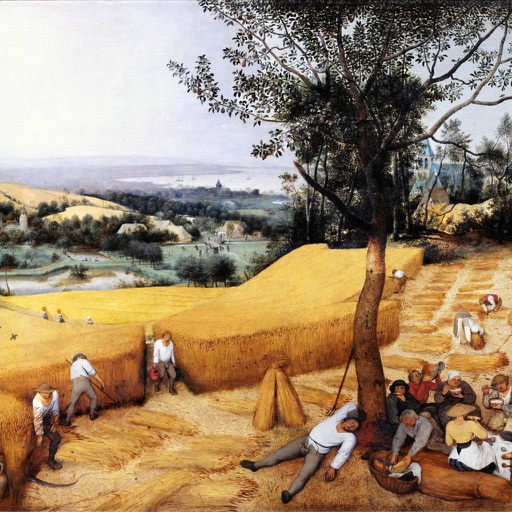
Collect and view 92 Pieter the Elder paintings. Browse high-resolution images with customizable filters and categories. Download artwork to a mobile device. Rate paintings and refine views based on ratings.
Create drawings by importing images and adding layers. Use talking stickers that repeat spoken words sound. Access tools for detailed artwork. Design custom sets Talking and draw animated characters. Explore mirror painting for symmetrical art.
Edit photos with filters, effects, and frames. Adjust brightness, contrast, and balance. Crop, rotate, and straighten images. Add text, stickers, and drawings. Paint on photos or blank paper. Apply splash and tilt shift effects.
Blur image backgrounds to create effects. Select photos from gallery or capture new images. Apply multiple blurring tools to adjust blur intensity. Export edited photos to device storage.
Create mandalas using watercolor, crayon, and oil paint tools. Add glitters for sparkle effects. Choose from anti-stress coloring pages and creative templates. Save and share finished artwork.
Select picture themes like animals, food, or famous paintings for puzzle gameplay. Compare images to differences. Play in single or multiplayer mode. Access daily tips. View achievements and leaderboards. Invite friends. Supports multiple languages.