

Apps Like iCorrect® OneClick Color for iPhone and iPad
OneClick technology brings photos to life.
The app automatically corrects color balance and exposure with the option to fine-tune adjustments. It allows users to convert images to black and white or sepia tones and supports Wide Gamut displays.
iCorrect® OneClick Color screenshots
Ranked alternatives
Showing 701–720 of 1,000 ranked alternatives.

Pix Sharer
Jessica Tunnicliffe
Manage photos with many functions.
The app manages photos with 18 functions including camera, video, and editing tools. Users can apply numerous effects and filters to photos and videos, and display them in various carousel styles.
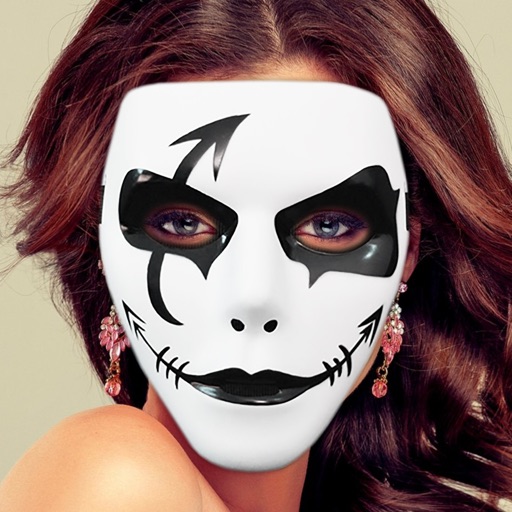
Masquerade Photo Booth - Selfie Camera for MSQRD Instagram ProCamera SimplyHDR
Vitaliy Odarchenko
Apply masks to photos and videos
Take photos or select from gallery. Apply masks to transform appearance. Add stickers for fun. Share edited photos on social media platforms.

ASCII Art
Jacob Leveto
Convert images to text art and export
Convert digital images into text art with adjustable character sets and width settings. Preview changes in real time and export as plain text, HTML, TIF, or RTF files. Support for black/white and full color output.




Photo editor – effects and filters for montages
Intelectiva Soluciones Innovadoras Sociedad Limitada
Edit photos, create collages, apply
Edit photos with , , and collage tools. Create and custom layouts. Adjust brightness, contrast, and saturation. Add text and stickers. Export and share edited images.



VintaGlow - AI Photo Editor
EMRE SOZEN
Restore photos, enhance details, colorize images
Restore and enhance old photos with AI-powered tools. Colorize black-and-white images, sharpen details, and remove blur. Adjust brightness, contrast, and saturation. Save and share edited photos directly.


Glasses Photo Booth - Sunglass Photo Effect for MSQRD Instagram ProCamera SimplyHDR
Vitaliy Odarchenko


How we rank alternatives
Apps are ranked by functional similarity, category fit, rating confidence, and popularity.