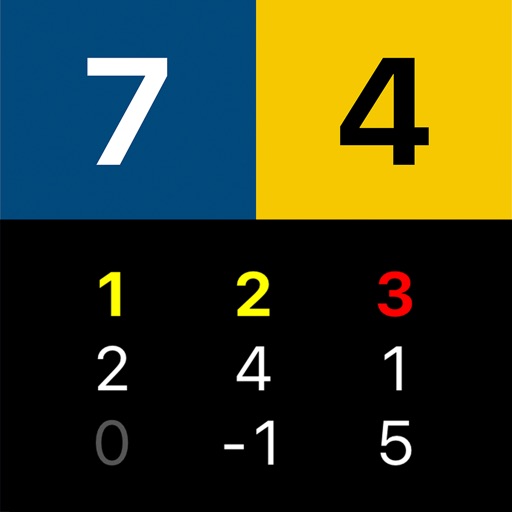
The app turns an iPad into a display for sports or game events. It tracks scores for various games and includes a countdown clock with light indicators.
by Piet Jonas★ 1.73 ratingsSports$2.99Data updated 2026-09-14
Allows users to track game scores a large, easy-to-use interface. It supports multiple and game history for detailed point tracking. Users can switch to landscape mode for better visibility.
Access schedules and scores for women's . Track game storylines and player profiles. Predict outcomes and compare picks with other fans. Join community discussions and follow live game updates. Learn league history and key rivalries.
Track games with timer, scores, fouls, timeouts, and shot clock. Share live via web link on social media platforms. Switch between simple, normal, and shotclock modes.
Create scrolling subtitles with customizable and dynamic effects. Adjust scrolling speed and formatting. Display content on smartphone screen as . Share content via social media or email. Sync with external devices for live events.
Access schedules for IM Sports, Group Fitness, and Club Sports. Check into games and classes using QR codes. Receive updates on campus recreation activities.
Track game scores with a simple interface. Enter players' names and points manually or through a double match feature. View history for past games. Export results or share via social media.
Track scores with Mode, which assigns points based on finishing positions and displays a leaderboard. Play games anytime, use X01 scoring with detailed stats, and analyze game performance.
Track scores and manage bets during golf games. View live leaderboards and seasonal standings. Calculate bets and share results. Send messages within groups. Log statistics and customize game rules. Sync scores across devices.
Track scores for unlimited teams or players with customizable names. Set score caps and low-score winning rules. Use a calculator-based interface for adding or subtracting points. Review turn history and standings.
Set local or GMT times for alerts, wake-up, transportation, time, and flight departure. Generate countdown timers for each event. Include an optional animated Martini glass timer for compliance with legal beverage limits.
Count items, track workouts, or monitor experiments with a customizable . Save multiple counters, share them with others, and sync across devices. Receive voice alerts every 10 counts and vibrations for each count.
Track live game scores and statistics. Receive real-time alerts and notifications. Access social updates and news feeds. View team rosters, player bios, and game highlights. Explore interactive maps and campus locations. Purchase tickets and gear.
Track scores with customizable team names and colors. Record goals, bookings, and substitutions on a timeline. Modify player formations using a tactics board. Access match history and set default configurations. Include a timer for game duration.
Track scores for Cricket and X01 games, including variations like Cut Throat and No Score. Add players quickly with custom names and settings. Monitor real-time scores and game progress. Save and review game history.
Track game progress with a live scoreboard. Log detailed play-by-play records. View comprehensive stats for games and athletes. Manage team information and schedules. Share game results and highlights with others.
Countdowns let users track time until or since an event with custom backgrounds and finish notifications. Tallies allow creating unlimited counters for tasks or items. Both features support customization and real-time updates.
Display time using LED-style buttons representing values for hours, minutes, and seconds. Toggle between 24-hour and 12-hour modes. Set alarms, use countdown timers, and choose beep sounds. Customize button colors for visibility.