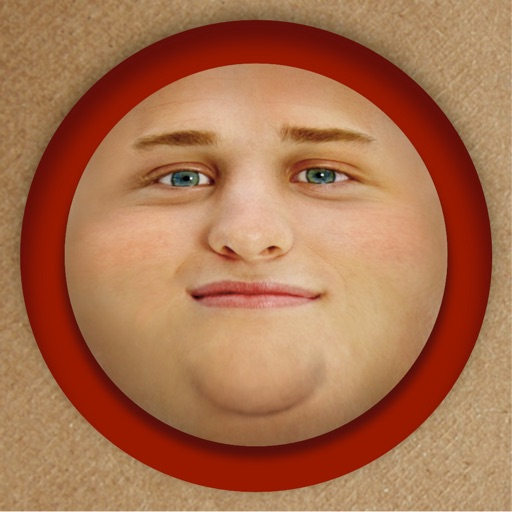
Edit photos by adding exaggerated weight gain effects to faces. Share modified images via email, iMessage, Instagram, Snapchat, Facebook, Twitter, and WhatsApp. Toggle between original and altered views using device shake.
by PiVi & Co★ 4.73,969 ratingsEntertainmentFreeData updated 2026-09-08
Add closed captions and subtitles to automatically. Upload a video, select the "Add Closed Captioning" option, and the generates text in seconds. Edit or adjust captions as needed before exporting the video.
Edit videos and photos with mosaic and AI filters. Add scribble animations and customize aesthetics. Share content to TikTok, Snapchat, Instagram, and Facebook. Adjust filters and for creative storytelling.
Capture or select images from the camera roll. Add , arrows, text, and use the pen tool for annotations. Pixelate sections or include emojis. Add captions and share via Apple Messages, Mail, Twitter, Slack, Snapchat, WhatsApp, Line, and Instagram.
Stitch multiple photos into a single image. Share the result on Facebook, Twitter, and Tumblr. Adjust alignment and spacing between images. Export in various formats.
Apply HDR to photos to enhance light and detail ranges. Adjust exposure, contrast, and color balance. Export edited images in high quality. Share directly to social media or messaging apps.
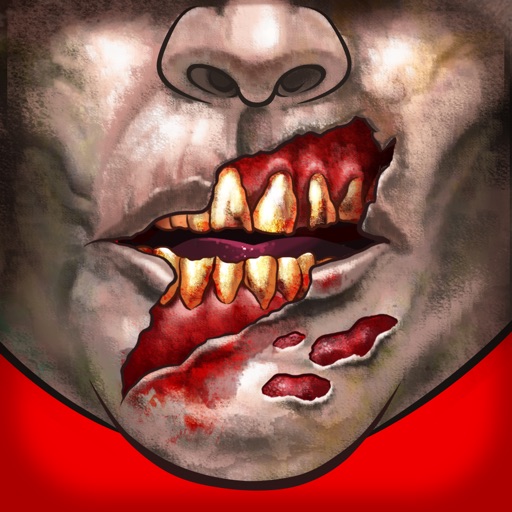
Customize faces with gruesome mouth and eye options. Add weapons like crossbow bolts and crowbars. Include creepy creatures for enhanced effects. Apply animated filters in real-time using augmented reality. Share transformed faces directly.
Create and with friends across Snapchat, Instagram, and WhatsApp. Add photos to a , invite friends to view and comment, and manage access settings. Sync with multiple platforms and track who has viewed each .
Record videos with facial tracking to animate photos as celebrities, politicians, or paintings. Switch between multiple faces in a single image. Share videos on social media platforms like Instagram, TikTok, and Facebook.
Text customization allows users to personalize text in social media posts. Add custom to Instagram, Snapchat, TikTok, and other platforms. Edit text styles, colors, and layouts. Share formatted text directly from the . Supports custom for text input.
Create videos by digitally hugging loved ones, pets, or yourself using AI. Swap faces in videos and photos with AI face swap technology. Edit TikTok videos to add face swaps and create humorous or personalized content.
Create a custom handwriting and share it with friends. Switch to 100+ stylish art fonts for messaging in apps like Facebook, iMessage, Instagram, Snapchat, and TikTok.
Create Instagram-style and stories with editing tools, music, and effects. Add text, stickers, and transitions. Access weekly trending music and templates. Share directly to social media platforms.
Create videos by combining photos and videos. Trim and merge media files. Add background music and transitions. Apply filters to enhance videos. Import from photo library. Share on Facebook, Instagram, YouTube, and email.
Create polls in under 20 seconds and share them via WhatsApp, Telegram, iMessage, Messenger, Facebook, and other platforms. Allow respondents to reply through a browser or by downloading the . Receive notifications whenever someone submits an answer.
Apply art to photos for creative visuals. Add spiral effects and blur backgrounds. Use emoji art, background art, and outline art to enhance images. Apply AI, cartoon, neon, and mask effects. Create retro, atlantis, and big camera styles.
The app allows users to create personalized Cat in the Hat cards. Users can add characters, stamps, borders, and text to photos from their camera or library.
The app allows users to create Grinchmas cards using Seuss characters. Users can personalize cards with stamps, borders, and text, then share them via social media or save them.