Sketch directly on the screen with pressure-sensitive tools. Adjust brush size and opacity. Rotate, resize, and move drawings. Save and share artwork in various formats. Export as vector or raster files.
by Andrew Kern★ 4.4224 ratingsGraphics & Design$1.99Data updated 2026-11-01
Edit photos and selfies with AI-powered art filters and effects. Choose from over 40 art styles to create fine art paintings. Share edited artworks on social media with the # hashtag.
Draw on a white canvas with a single black brush. Each stroke fades as more is added. No erasing needed. Create continuous, ephemeral art without concern for skill level.
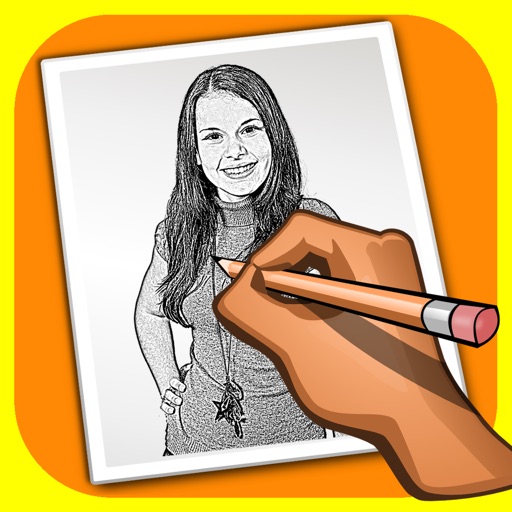
The app transforms user photos into pencil drawings with a sketch shine effect. Users can apply this filter to images captured with the device's camera.
Sketch and draw using the ® with step-by-step guidance. Learn to write with interactive lessons for all skill levels. Export drawings and access tutorial videos for practice.
Create drawings using AR tools, trace real-world objects in real-time, and convert photos into sketches. Access a library of templates for design projects. Share artwork directly from the .
Sketch and create drawings using brush tools with customizable color palettes. Add stickers, doodles, and charms to enhance artwork. Export and share finished creations in multiple formats.
The app draws geometrical patterns similar to the SpiroGraph toy. It allows users to design complex artwork and draw mathematical curves like cycloids and trochoids.
The app offers basic drawing tools for quick creation and image manipulation. Users can add text, resize, rotate, flip, crop, and combine images, with full undo/redo support.
Create drawings with a variety of colors and brushes. Select from pre-designed templates and characters. Add animations and sound effects. Save and share artwork directly.