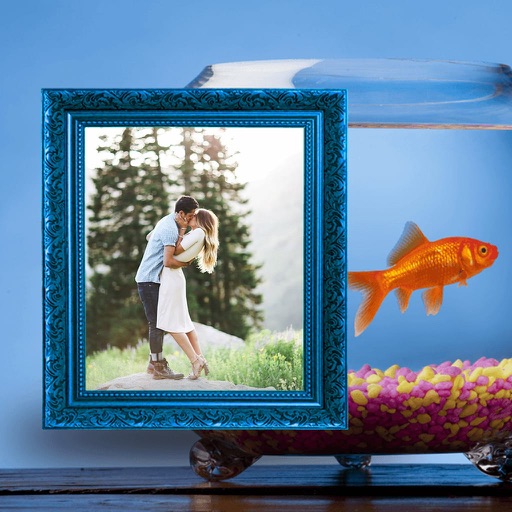
Take photos or load images from the library. Add handwritten notes and drawings. Apply filters. Enlarge images for detailed editing. Save original files and multiple sizes. Share via email. Paint on images without access.
by Hiroyuki Fushida★ 3.01 ratingsPhoto & Video$1.99Data updated 2026-09-08
The app offers tools to improve and enhance photos with features like brightness, contrast, and saturation. Users can apply various filters and effects, and also create and purchase canvas prints of their images.
The app allows users to create monochrome images from selected or taken photos. It offers 10 photo filters, cropping, moving, rotating, zooming, and text addition capabilities.
Edit photos with AI filters, portrait generation, and stylized effects. Adjust brightness, contrast, and saturation. Apply cinematic filters and retouch skin tones. Save and share edited images directly.
Edit photos by applying AI-generated 90s-style filters. Add timestamps, film grain, and old-school camera effects. Choose from multiple styles to customize edits. Save and share transformed images directly.
Edit photos with one-tap filters and AI enhancements. Apply Light Leak Overlays and director-style effects. Create collages using drag-and-drop editing. Export and share directly to social media platforms.
Edit photos by selecting from the gallery or capturing new ones. Apply various and effects. Adjust image position, size, and angle. Save, share, or upload photos to social media platforms like Facebook, Twitter, and email.
Apply live filters in real-time while framing shots. Preview filtered images before capturing. Adjust filter intensity and blend modes. Save photos in high resolution and share directly.