

Apps Like Instant Camera for iPhone and iPad
Take photos, add notes, and draw
Take photos or load images from the library. Add handwritten notes and drawings. Apply filters. Enlarge images for detailed editing. Save original files and multiple sizes. Share via email. Paint on images without access.
Instant Camera screenshots
Ranked alternatives
Showing 681–700 of 1,000 ranked alternatives.


Online Hidden Camera
Tseng Cheng Hsun
Capture moments with disguise settings
Take secret photos using camouflage modes and customizable settings. Adjust lighting and motion detection. View and delete captured images. Share photos directly or save to device storage.
PikLab Photo Editor : Collage Maker Filters Effect
Benyapa Nasusin
Edit photos, add effects, remove blemishes
Edit photos with enhancement tools, effects, and frames. Add stickers and overlays. Crop, rotate, and adjust brightness, contrast, and saturation. Remove blemishes and red eye. Apply color splash and sharpen or blur images.


AnalogColor
Eiji Nishidai
Transform photos with analog effects.
The app transforms digital photos with toy camera effects, cross-processing, light leaks, and film grain for an authentic analog-style look. It includes a POLYGON GIF feature.


Stray Cats Camera
Toshiyuki Kudoh
Stray Cats photo book app
The app provides a camera and stamp function featuring designs from the "Stray Cats" series. Users can add stamps and frames to photos, with options to adjust stamps after shooting.



Memorable Photo Frames Editor
Aakaash Soni
Frame photos with custom styles and borders
Edit photos with customizable and PIPs. Add stickers and create collages. Choose from global landmarks as backgrounds. Save and share edited images directly.

Christmas photo by Santa Claus
志勇 马
Create festive holiday photos easily now.
The app allows users to create Christmas-themed photos using various masks and export them via email or camera roll. It supports front and back cameras, loading images from the camera roll, and includes 72 fun models.


Camera - Note & Translate
Pawel Mitek
Capture, , and share notes
Take photos and convert text in images to notes. Recognize phone numbers and links to make calls, visit pages, or send messages. text between languages. Save and organize notes.
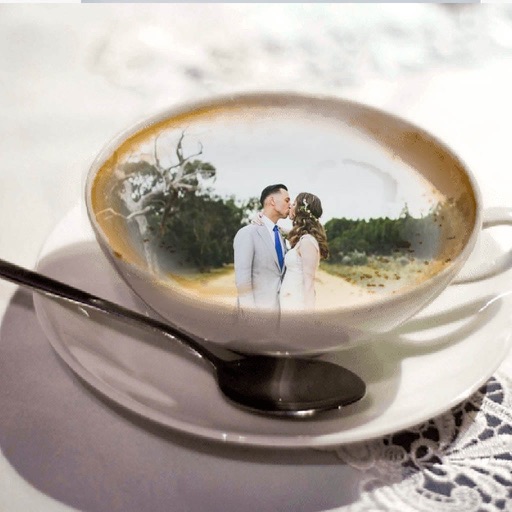
Coffee Mug Photo Frame - Amazing Picture Frames & Photo Editor
Patel Nishaben
Apply to photos and share them
Edit photos by selecting from the gallery or using the camera. Apply multiple and effects. Adjust image position, size, and angle. Save, share, or upload to social media platforms like Facebook, Twitter, and email.


Albums - organize your photos and videos
DENIVIP Group OOO
Organize photos by date and place.
The app organizes media from the camera roll into albums based on capture dates and locations. This feature simplifies finding photos from specific dates and places, and these albums can be exported to iPhoto.


How we rank alternatives
Apps are ranked by functional similarity, category fit, rating confidence, and popularity.